Product Showcase: Man Walking in the Park
Template guide
The Product Showcase: Man Walking in the Park template builds a short UGC-style video around a fixed scene: a person walking outdoors while holding and presenting a product to the camera. The background stays consistent, the avatar's movements are deliberately subtle, and the spoken dialogue is driven by the text you enter. It is designed for product demonstrations where the product itself needs to be visible, held naturally, and talked about directly. This format fits social ad testing and quick product explainers. You provide a product image and a short spoken line, and the template handles the scene composition: the product is isolated, then placed into the person's hand with lighting and proportion adjustments, and finally animated into a walking-and-talking clip. It is most useful when you want a repeatable, controlled visual format for showcasing physical products without filming new footage each time.
What this template creates
Product isolation and clean asset preparation
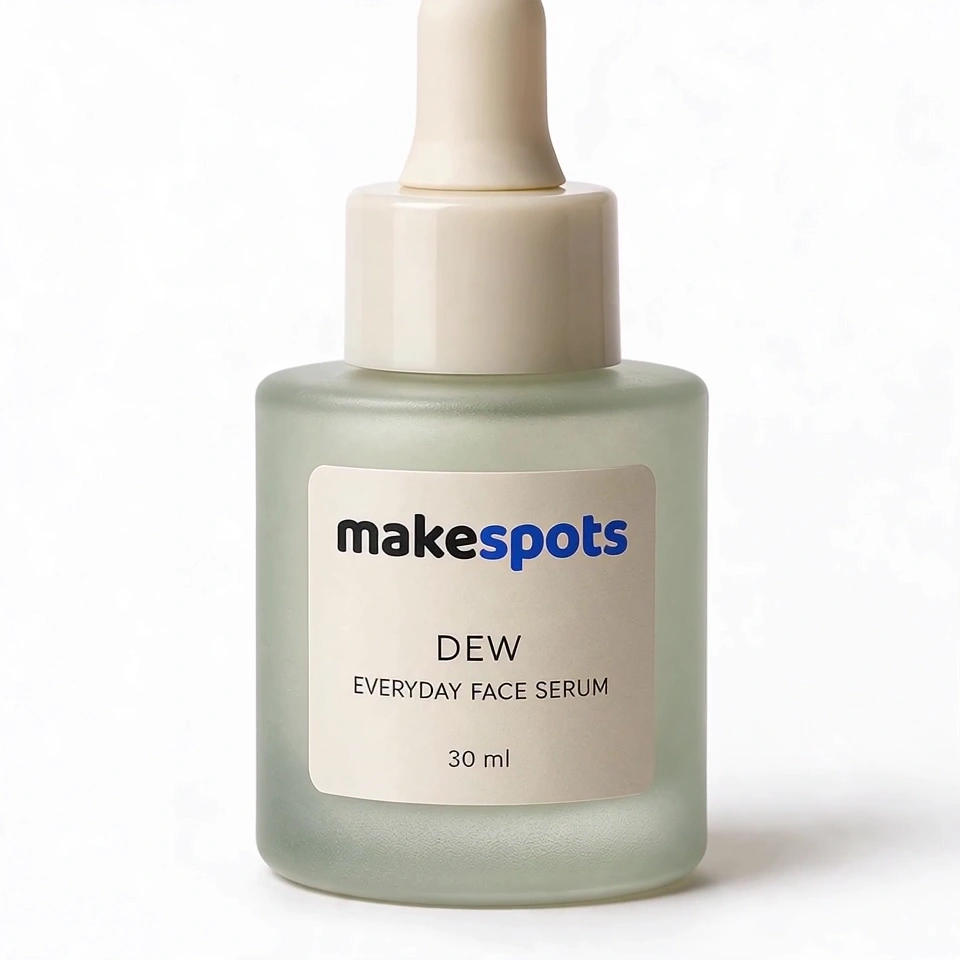
The workflow extracts the product from your uploaded image and regenerates it on a white background. This step is meant to create a clean reference of the product alone, preserving shape, texture, and color as closely as possible. A clean product reference makes the later hand-placement step more reliable.
Natural hand placement with lighting adjustment
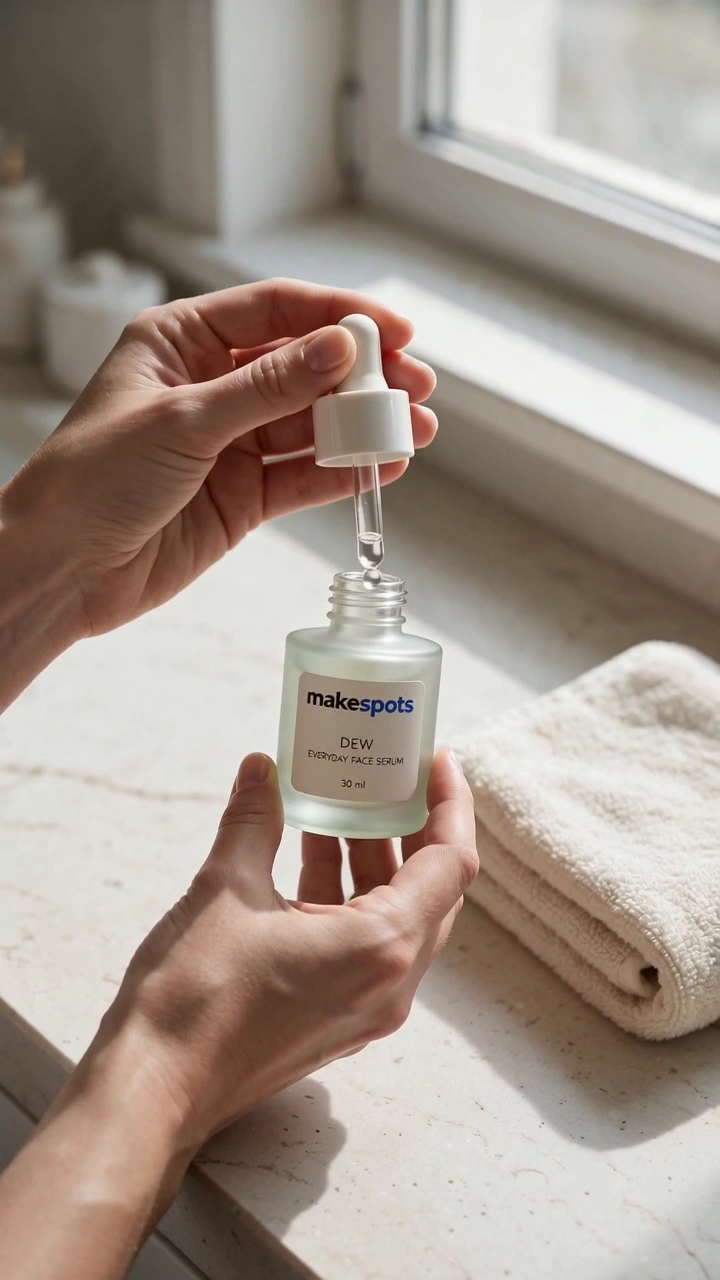
A dedicated image generation step places the isolated product into the person's hand, adjusting size proportions, lighting, and shadows to match the scene. The intent is a natural hold rather than a floating or distorted product. Review this frame carefully before video generation, since it defines how the product appears throughout the clip.
Subtle movement with spoken dialogue
The video generation stage animates the prepared frame with small, controlled movements: the person holds up the product, shows it to the camera, and speaks the dialogue you entered. The prompt asks for a stable background and subtle character movement to keep attention on the product and the spoken message.
When to use this format
Social media product teaser
A short walking-and-talking clip works well as a teaser for a new physical product. The fixed background and calm delivery keep the focus on the item in hand, while the spoken line gives you room to state one clear benefit or use case.
UGC-style ad variation testing
Because the scene structure is fixed and only the dialogue and product image change, this template supports quick variations. You can swap the product or rewrite the spoken line to test different hooks without rebuilding the visual concept from scratch.
Simple product demonstration for marketplaces
For products that benefit from being shown in a real-world holding context, this format offers a middle ground between a static product photo and a fully produced video. The walking scene adds motion and a human presenter without requiring elaborate staging.
What you’ll need
- DialogueRequired
- Add your own text, up to 150 characters.
- Product ImageRequired
- Choose a clear image from Assets or upload your own.
How to use Product Showcase: Man Walking in the Park
- 1
Inspect the template structure
Open the template and review the node sequence: dialogue text, product isolation, hand placement, and video generation. Note that the person and product image nodes are fixed references you will replace with your own assets in Canvas.
- 2
Prepare your product image and dialogue
Use the mapped input fields to enter a short spoken line of up to 150 characters and upload a clear product image. The dialogue should be a single natural sentence that works when spoken aloud, not a list of features.
- 3
Review the intermediate frames in Canvas
Before generating video, check the isolated product image and the hand-placement frame. Confirm that the product looks accurate against the white background and that it sits naturally in the person's hand with believable lighting and scale.
- 4
Generate and review the final clip
Run the video generation step when the intermediate frames look right. Review the result for product consistency, natural hand movement, background stability, and whether the spoken dialogue matches your intended message. Export when the clip meets your standard.
Make the creative yours
Spoken dialogue content
The dialogue field accepts up to 150 characters. Write a single conversational sentence that sounds natural when spoken. Avoid cramming multiple selling points into one line; a focused message reads better in a short walking clip.
Product image replacement
The product image field is the main visual input. Use a clear shot of the product with minimal background clutter. The isolation step works best when the product's shape and edges are distinct, giving the workflow a clean reference to work from.
Person reference in Canvas
The person node holds the fixed avatar reference. If you want a different presenter or scene, replace this reference in Canvas with your own image. Keep the framing similar so the hand-placement and video steps still have a compatible base.
Tips for your version
- Check the hand-placement frame at full size before generating video; small product distortions are easier to fix by regenerating that step than by redoing the whole clip.
- Write the dialogue as one spoken sentence, not ad copy. Read it aloud to check the rhythm and length before submitting.
- Use a product image where the item is fully visible and not partially cropped; the isolation step needs the complete shape to build an accurate reference.
Frequently asked questions
What kind of product image works best with this template?
A clear, well-lit product shot with the full item visible and minimal background clutter gives the isolation step the best reference. Avoid partially cropped products or heavy reflections that obscure shape and texture.
Can I change the person or the background?
The person and background are fixed references in the template. You can replace the person image in Canvas with your own reference, but the background is tied to that scene. If you need a different setting, replace the base person frame entirely.
Will the product look exactly like my uploaded image?
The workflow aims to preserve shape, texture, and color, but regeneration can introduce small variations. Always review the isolated product frame and the hand-placement frame, and regenerate those steps if the product looks off before generating video.
How long can the spoken dialogue be?
The dialogue field accepts up to 150 characters. Keep it to one natural spoken sentence. Longer text can feel rushed in a short walking clip and may not match the subtle movement style of the scene.
About the preview
720 × 1280 px video example. This is the template preview; your generation settings determine the final output.
You can explore this template and its Canvas without an account. Sign in to save a project and upload your assets.