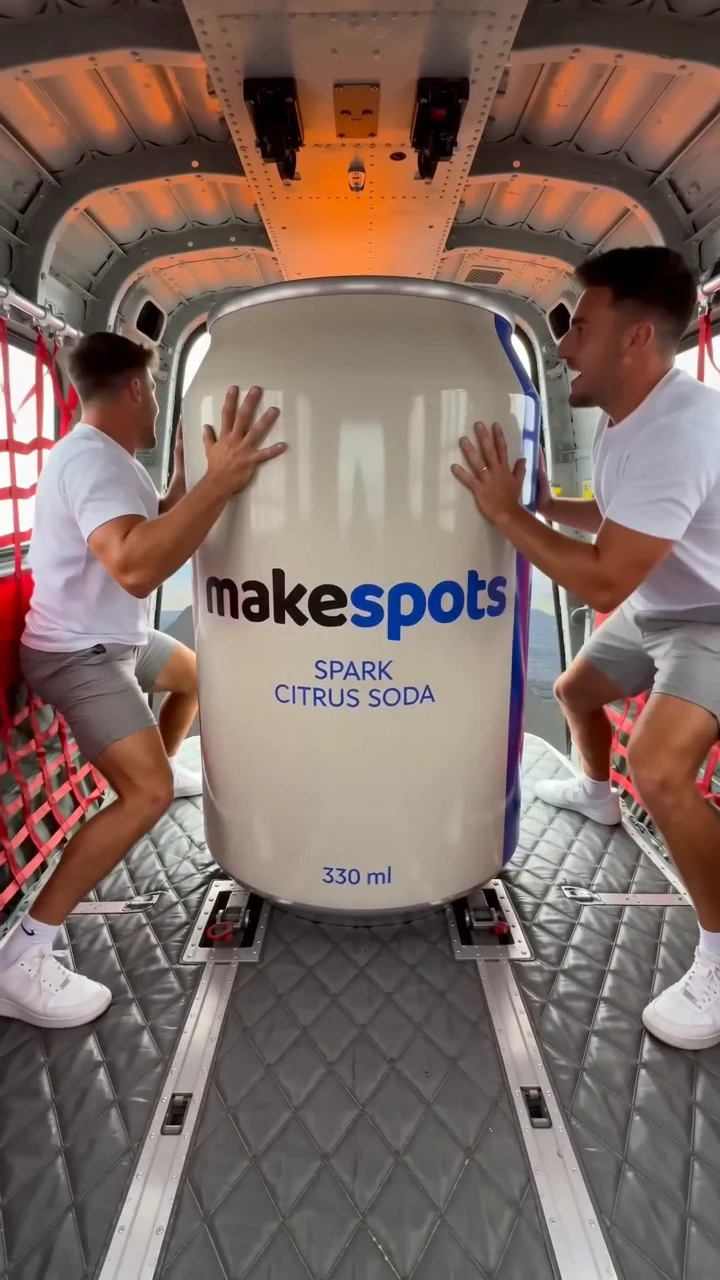
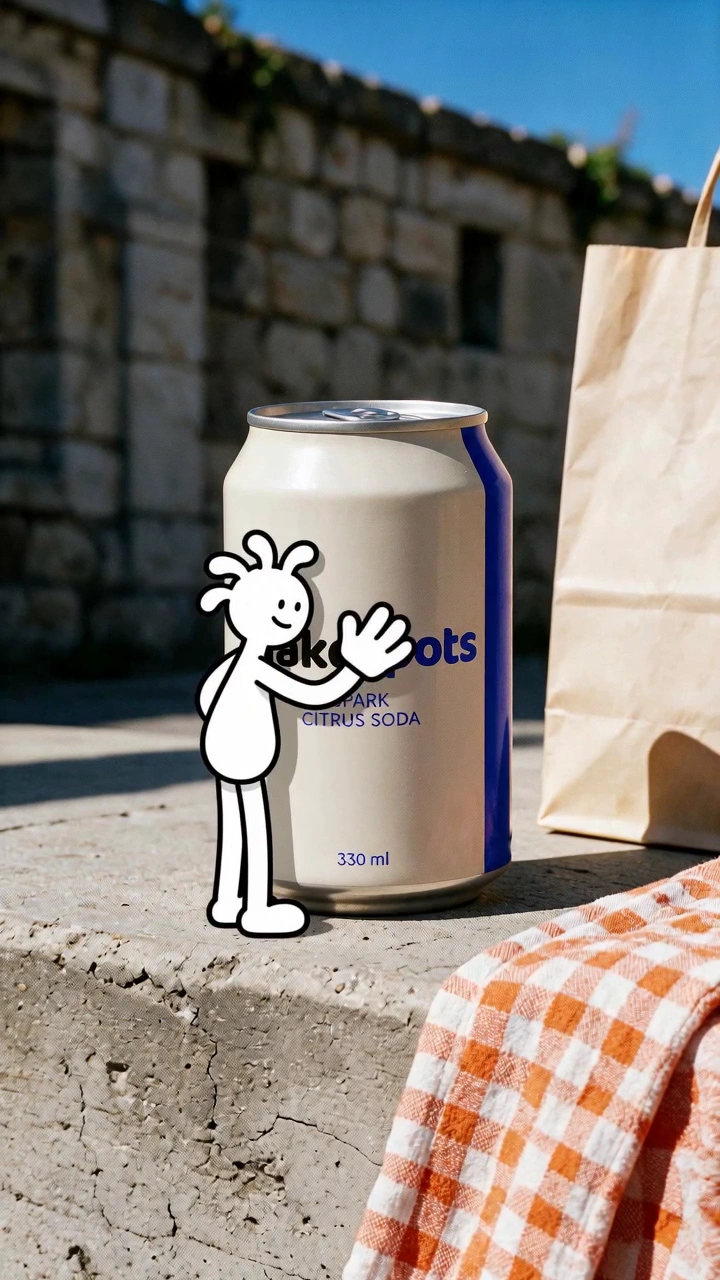
Opening page…
Skip to contentA closer look at
Your next viral ad.
The workflow canvas
Build the ad. Keep the recipe.
Your product photo, creative prompts, and AI generation steps, connected on one canvas. See how a format works and shape what happens next.
See how it worksAn editable creative starting point
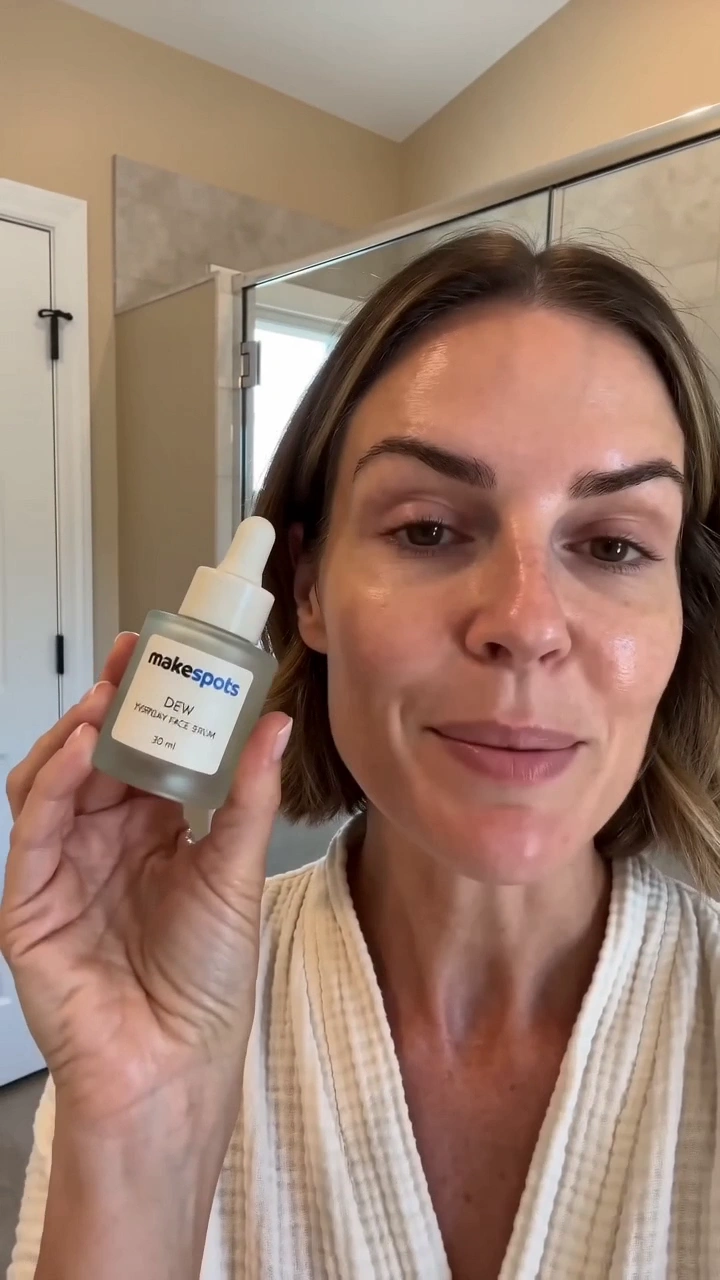
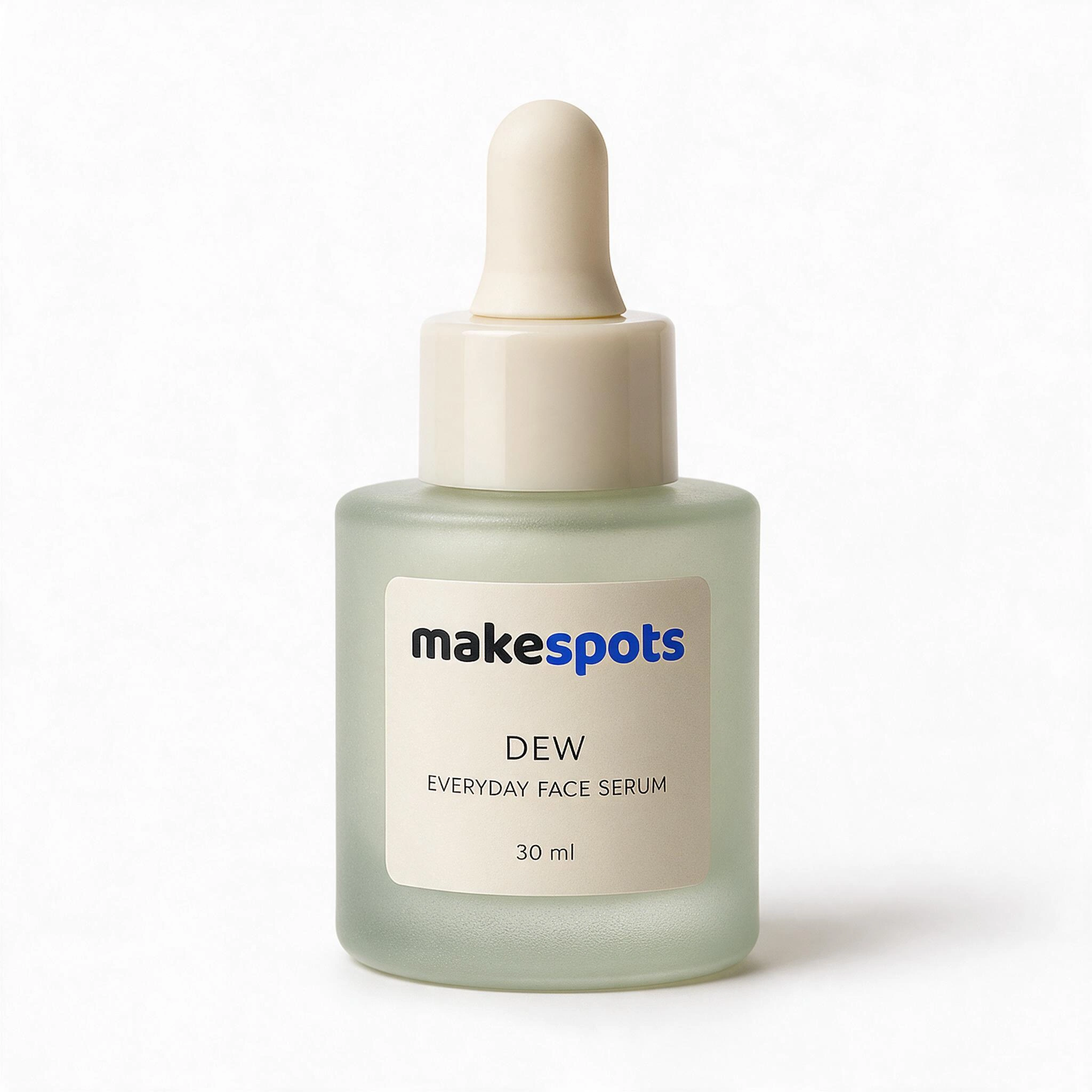
- 01
See the steps behind the look
Follow a template from its inputs through generation to the result. The workflow makes the creative process visible.
- 02
Direct the details
Adjust prompts, update inputs, and change the connected steps. Use the template as a starting point for your own direction.
- 03
Reuse the work
Save the project with its workflow. Return to the same structure when you want a different product, message, or visual idea.
Good to know
A closer look at
ai workflows.
Can I use a template without editing the canvas?
Yes. Start in the template’s input view and add the requested product information. Open Canvas when you want to inspect or change the steps behind the format.
What can I change in the workflow?
You can update inputs, edit prompts, and adjust the nodes and connections on the canvas. Generation availability depends on the steps and models supported in your workspace; review the available options before running it.
Can I save a workflow for another ad?
Save it as a project to keep the workflow and inputs together. Reopen that project for another session, or duplicate it to explore a separate creative direction.
Find your next viral format
Your next viral ad.
Ready in minutes.
Pick a template. Add your product. Turn the format that caught your eye into an ad for your brand.
Free to explore. No sign-up needed.