Opening page…
Skip to contentSee the idea.
What should the
Bring a useful
Make the format
4 curated video templates
Product reveal video templates
Make the first frame count. Turn a clear product photo into a reveal with scale, movement, or a change of scene.
Watch the examples. No sign-up needed.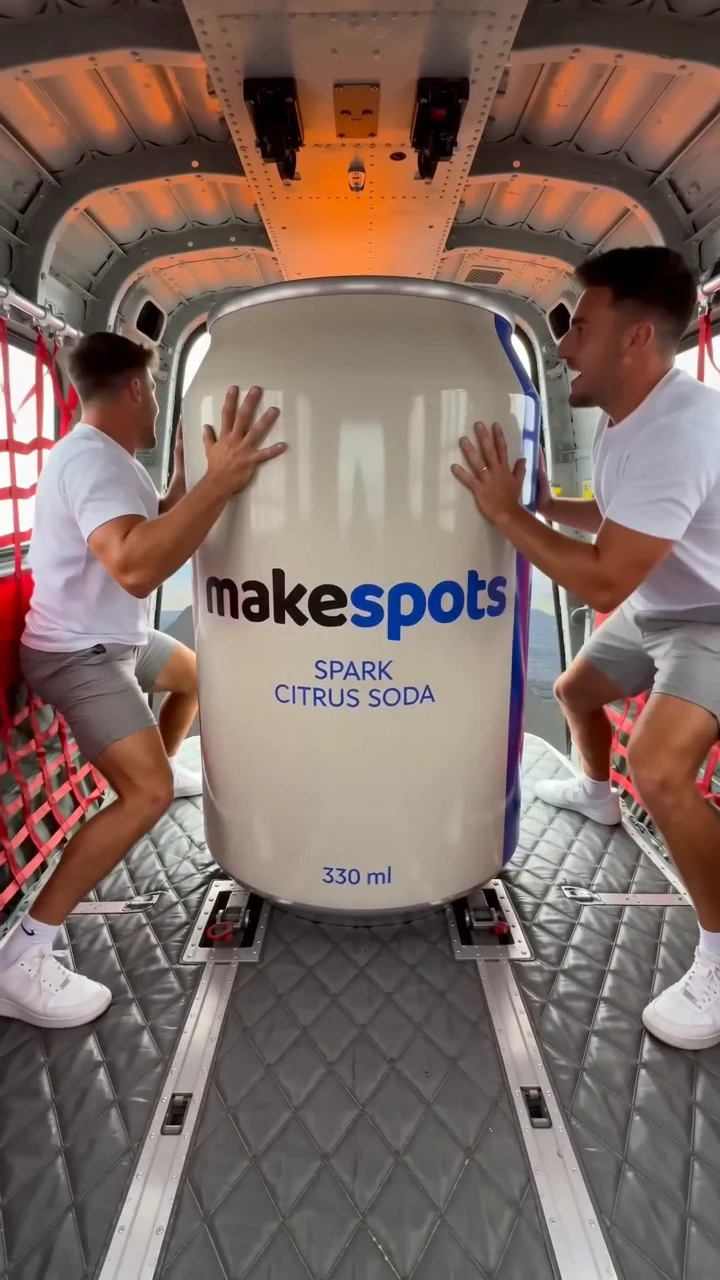
Choose with the creative in view
See the idea.
Find your starting point.
Every example links to an editable template and a detailed guide. Choose the format whose creative job matches yours.
Bold packaging and larger-than-life launches
An oversized product becomes the event. Start here when the package itself is recognizable and the idea needs an immediate visual hook.
BringProduct Image
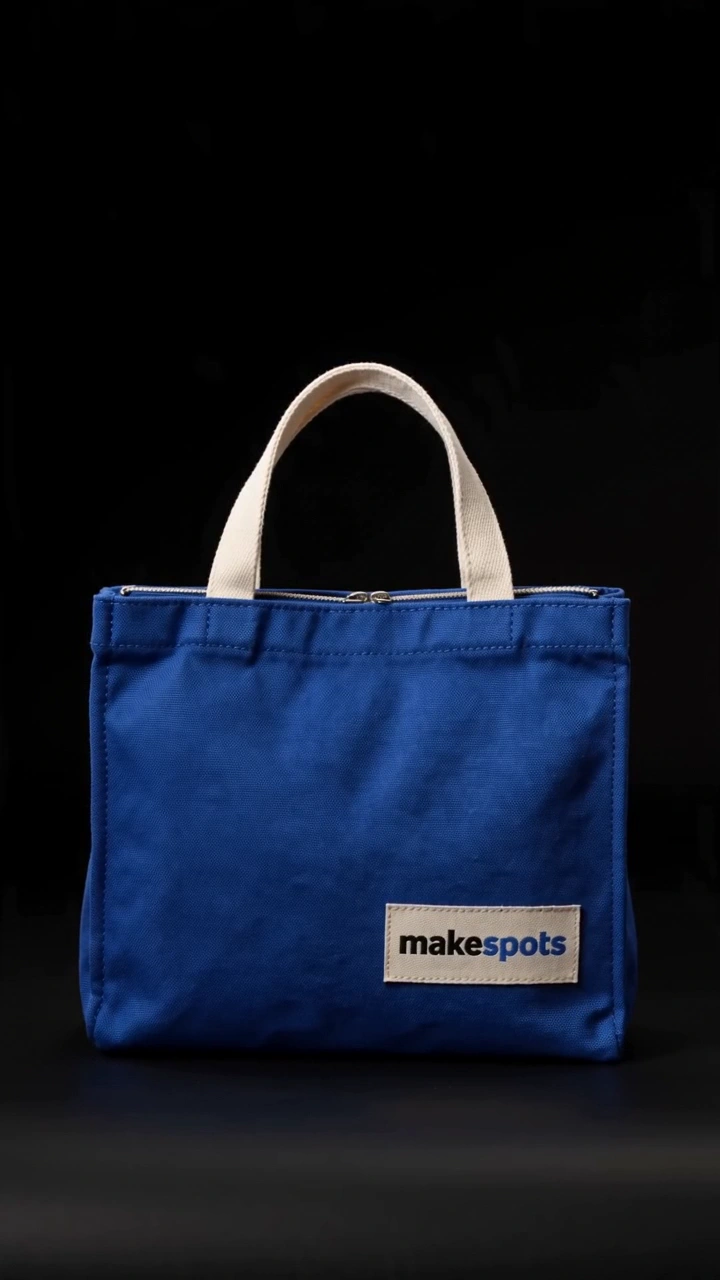
Accessories and a dramatic hero moment
A studio reveal uses shadow and light to bring the object forward. A clear silhouette gives this direction something useful to reveal.
BringProduct Image
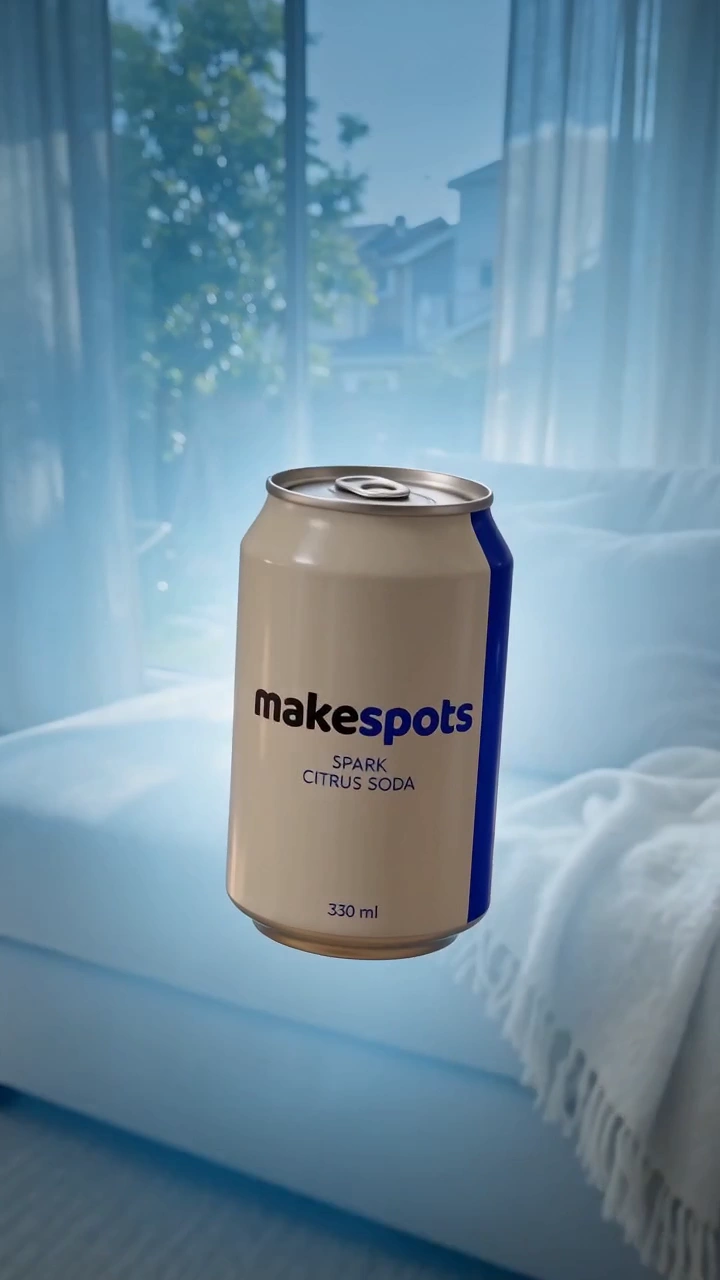
A familiar product with a visual twist
Move from a real-world product scene into a floating shot. The transition supplies the change of pace, rather than a presenter or long explanation.
BringProduct Image
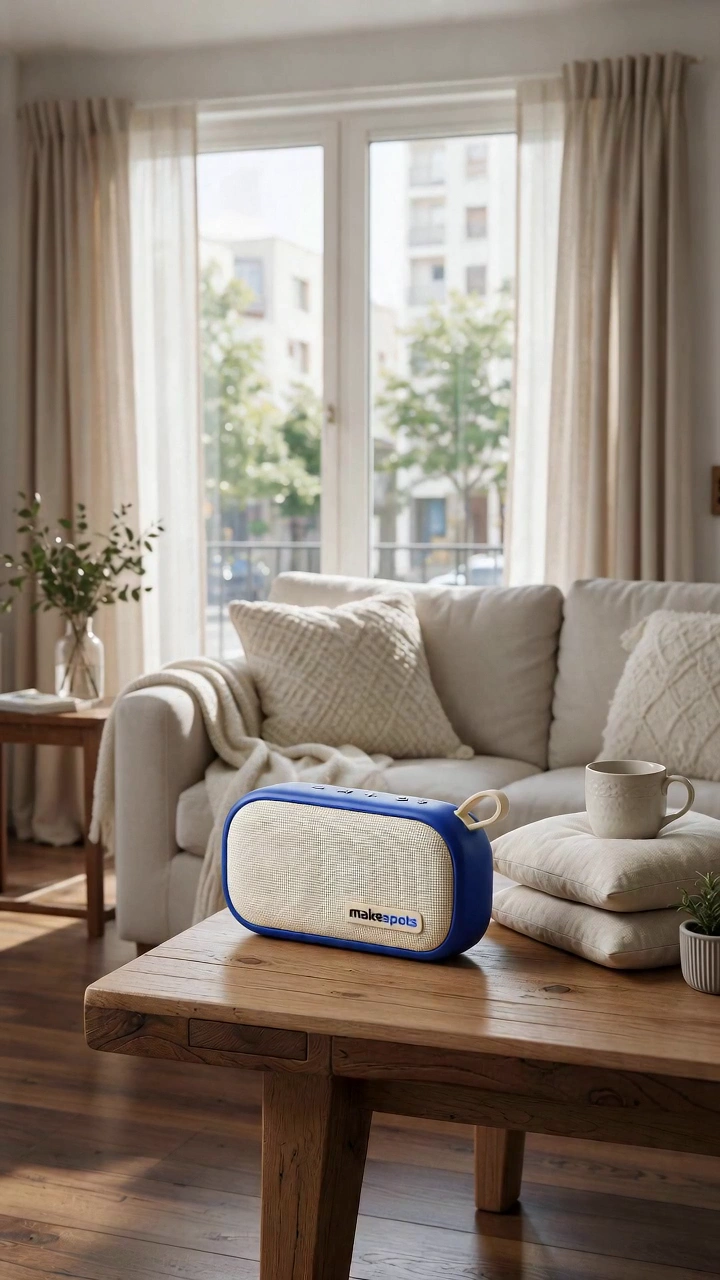
A more stylized introduction
Build the reveal around an assembly effect. Choose this when a constructed, spatial treatment fits the brand’s visual direction.
BringProduct Image
Choose the right direction
What should the
creative do?
A reveal works around one moment: the product becomes the thing you want to look at. Choose the mechanism before you choose the setting. A dark-to-light shot creates anticipation; a sudden change of scale makes the product the spectacle; a floating transition moves a familiar object into an unexpected scene.
A new product people haven’t seen
Keep the product easy to identify once the reveal lands. Choose one strong camera or scale idea, then leave room for the viewer to understand the object.
A familiar product in a new campaign
Change the world around it. A floating scene or exaggerated scale can give an existing product a fresh creative direction without changing its central identity.
A product with a strong silhouette
Try a light-and-shadow reveal. Start with a reference that shows the outline clearly; a crowded lifestyle photo gives the workflow more to reinterpret.
Prepare the inputs
Bring a useful
starting point.
- One clear product photo with the full object visible
- A single reveal idea: scale, light, movement, or transition
- A reference with readable packaging and a clear silhouette
- Time to review the logo, geometry, and label after generation
- 01
Compare the reveal
Watch the example through to the product’s hero moment. Pick the motion you want to adapt, rather than only the thumbnail.
- 02
Bring your product
Add the photo requested by the template. Keep the angle and framing useful for the reveal you chose.
- 03
Direct and review
Open Canvas to adjust the prompt. Check the generated product details and save a project before trying another direction.
Before you create
A few useful answers.
Do I need a product video to start?
The templates in this collection start from a product image. Check the chosen template’s input panel for its exact requirements before you generate.
Which reveal should I choose for a small product?
Choose by the visual idea, not the physical size alone. Exaggerated scale can make a small item the scene’s focus; a studio reveal can give a compact accessory a quieter introduction.
Can I change the reveal’s setting?
You can edit the creative prompts and workflow on Canvas. Keep the request focused, and review the output to confirm that the product and the requested setting remain coherent.
Take the next step
Make the format
work for your idea.
How to turn a product photo into a video adStart with a useful product reference and one visual idea. Here’s a practical route from a still photo to your first video ad in makespots.
UGC video ad templatesPut the product in an everyday moment. Choose a selfie line, a presenter-led scene, or a hands-only demonstration.
Animated product ad templatesGive the product a different kind of entrance. Explore illustrated motion, tactile transformations, and animated reveals.
Make the next one yours
Your product. This direction.
Open a template, bring your reference, and build your next creative from the format you chose.