Opening page…
Skip to contentSee the idea.
What should the
Bring a useful
Make the format
4 curated video templates
UGC video ad templates
Put the product in an everyday moment. Choose a selfie line, a presenter-led scene, or a hands-only demonstration.
Watch the examples. No sign-up needed.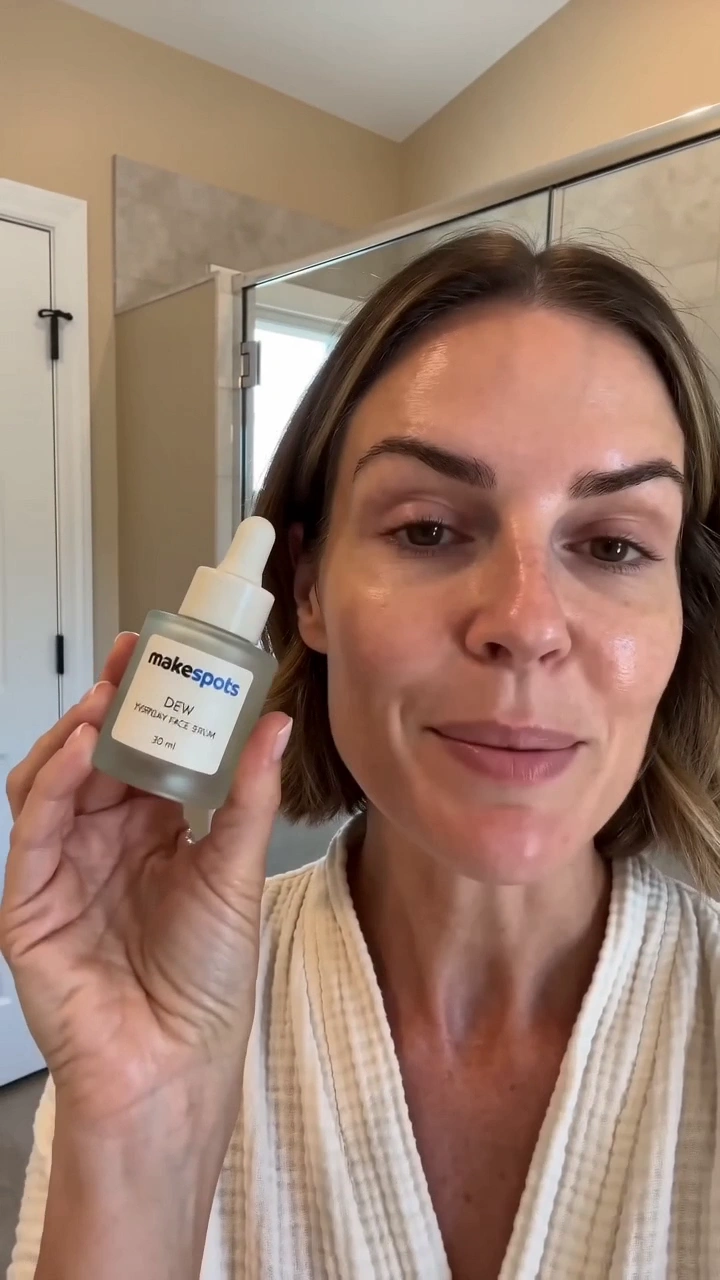
Choose with the creative in view
See the idea.
Find your starting point.
Every example links to an editable template and a detailed guide. Choose the format whose creative job matches yours.
A concise message delivered to camera
Control what the person says and where they are. Use a short, spoken line that introduces one product idea clearly.
BringProduct image · What they say · Where they are
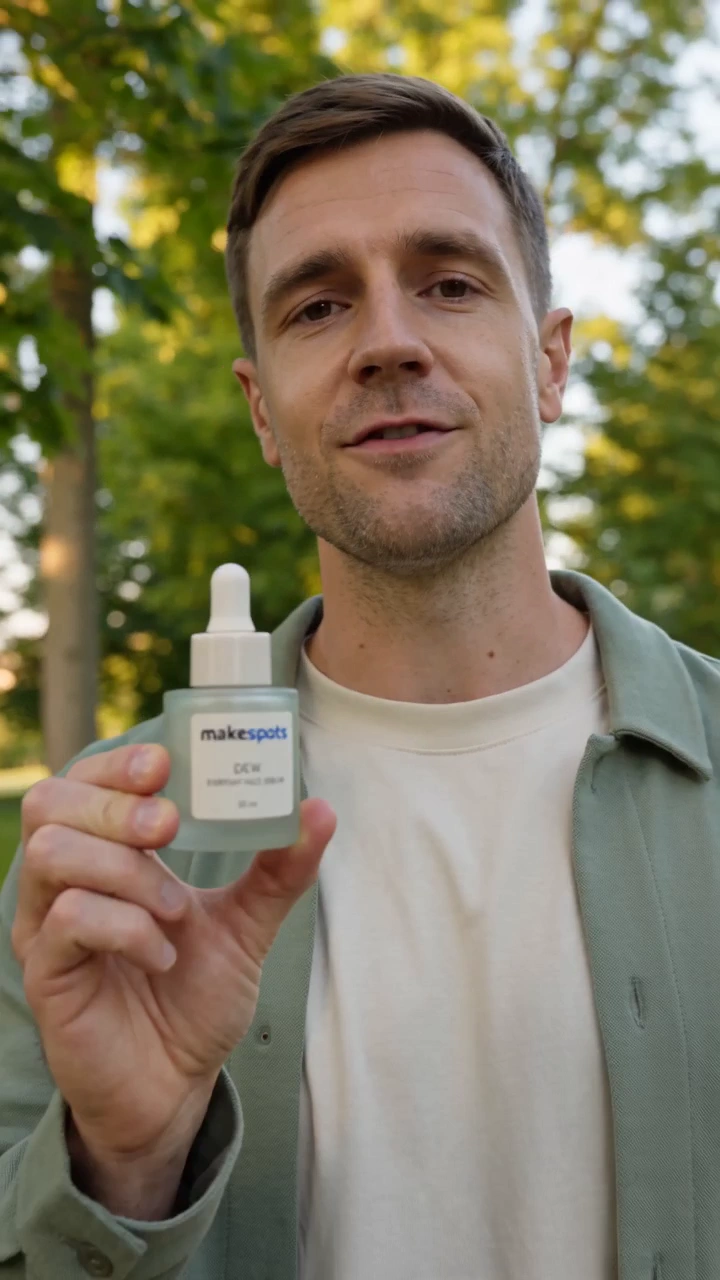
A product story with a person in the frame
Place the product in a presenter-led outdoor scene. The dialogue input lets you connect the setting with a specific message.
BringDialogue · Product Image
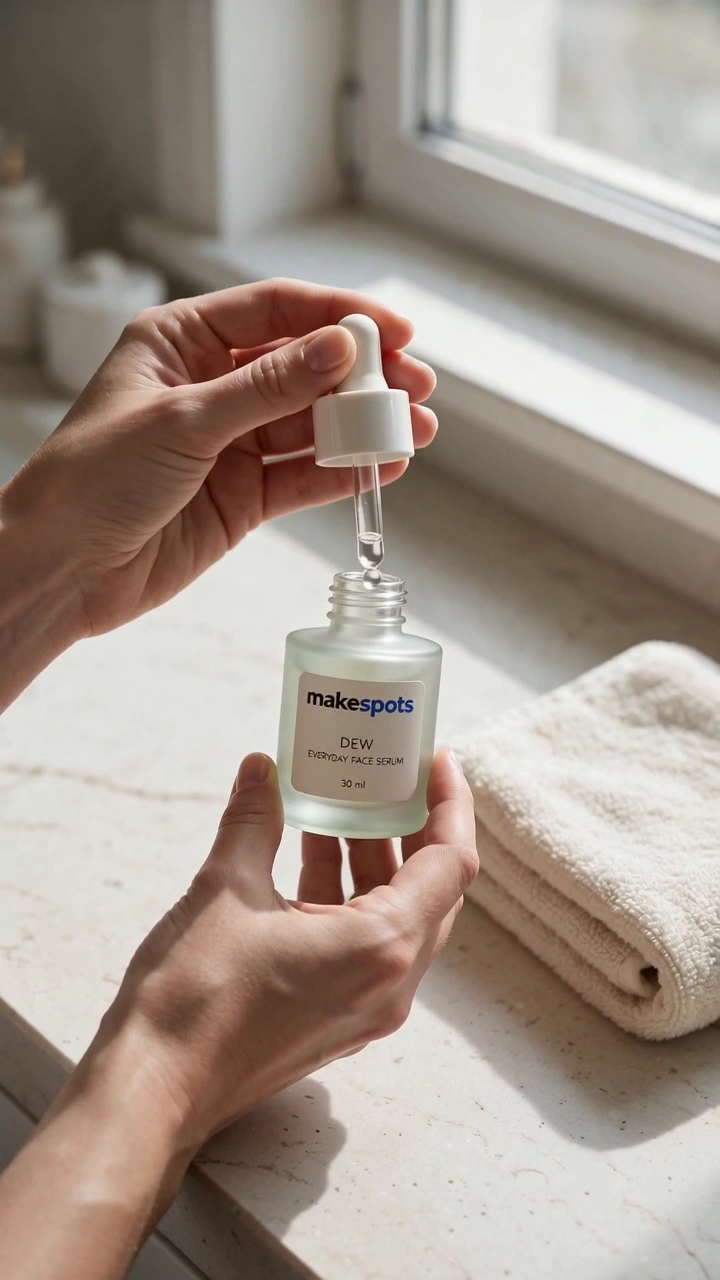
Showing the product in an everyday setting
Use a product image and a description of where it is used. The hands-led framing keeps the object and its context in view.
BringProduct image · Where it's used
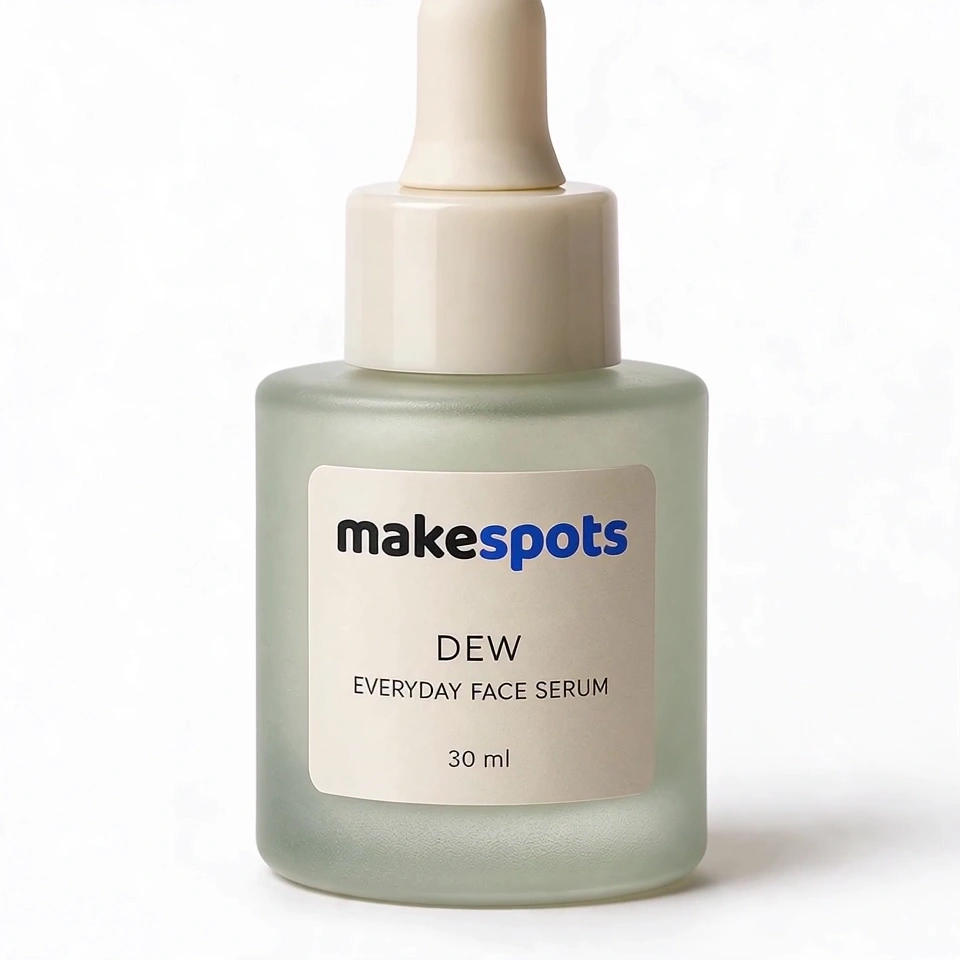
Supporting footage and product details
Describe the shot you need around the product. Use it as a product-focused cutaway rather than a spoken testimonial.
BringProduct image · Shot type
Choose the right direction
What should the
creative do?
UGC-style creative can introduce a product through a person, an action, or a familiar setting. Those are different jobs. A selfie clip puts the message first. A presenter-led shot gives the product a social context. A hands-only demo puts attention on what the object looks like in use. Match the format to the information the viewer needs.
The message needs explaining
Choose a selfie or presenter format and write one clear line. Explain the situation and the product’s role before asking for the next action.
The product is easiest to understand in use
Try the hands-only demo. Specify a plausible location and one visible action rather than asking the clip to demonstrate every feature.
You already have the story
Choose product b-roll for the missing visual. Describe the shot, framing, and movement you need so the output has a clear purpose.
Prepare the inputs
Bring a useful
starting point.
- A product photo showing the same version you want to advertise
- A short dialogue for the formats that ask for speech
- A specific, believable setting or use context
- A review of the spoken claims, product handling, and visual details
- 01
Choose the presentation
Decide whether the person, the hands, or the product should carry the scene. Watch the format before choosing.
- 02
Write one useful message
Fill in the exact fields shown by the template. Keep dialogue conversational and setting descriptions concrete.
- 03
Review the performance
Check the product’s appearance, the delivery of the script, and any hand interactions before using the result.
Before you create
A few useful answers.
Does UGC-style mean a real customer made the video?
No. These are AI-generated creator-style formats. They do not establish that a real customer used or endorsed the product. Keep your script and campaign presentation accurate.
Can I write the dialogue myself?
Yes. UGC Selfie Line Clip and the presenter-led park template include explicit dialogue controls. Hands-only and b-roll formats focus on the visual scene instead.
Can I choose an existing actor or clone a voice?
These templates do not provide an actor library or a voice-cloning picker. Use the available product, dialogue, setting, and workflow controls shown in the chosen template.
Take the next step
Make the format
work for your idea.
How to write a UGC ad script for AI videoGive the person in the frame one useful thing to say. A short, specific script is easier to direct and review than a list of every product feature.
Product reveal video templatesMake the first frame count. Turn a clear product photo into a reveal with scale, movement, or a change of scene.
Animated product ad templatesGive the product a different kind of entrance. Explore illustrated motion, tactile transformations, and animated reveals.
Make the next one yours
Your product. This direction.
Open a template, bring your reference, and build your next creative from the format you chose.