Opening page…
Skip to content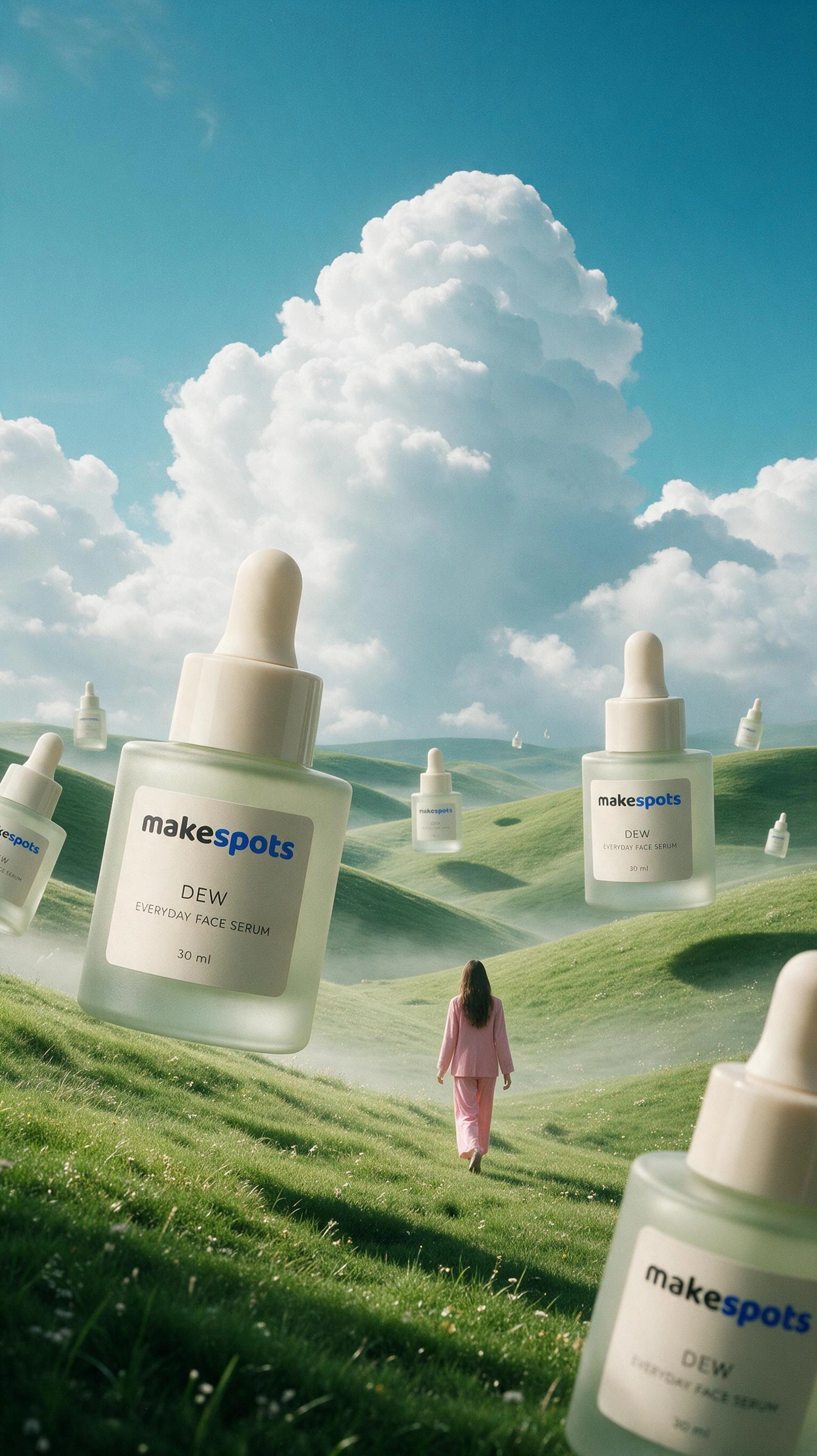
 Your creative workspace
A closer look at
Your next viral ad.
Your creative projects
Keep the work. Change the direction.
A new idea shouldn’t mean starting over. Save the workflow, inputs, and results in a project, then return for the next variation.
See how it works
makespotsEverything for your next version
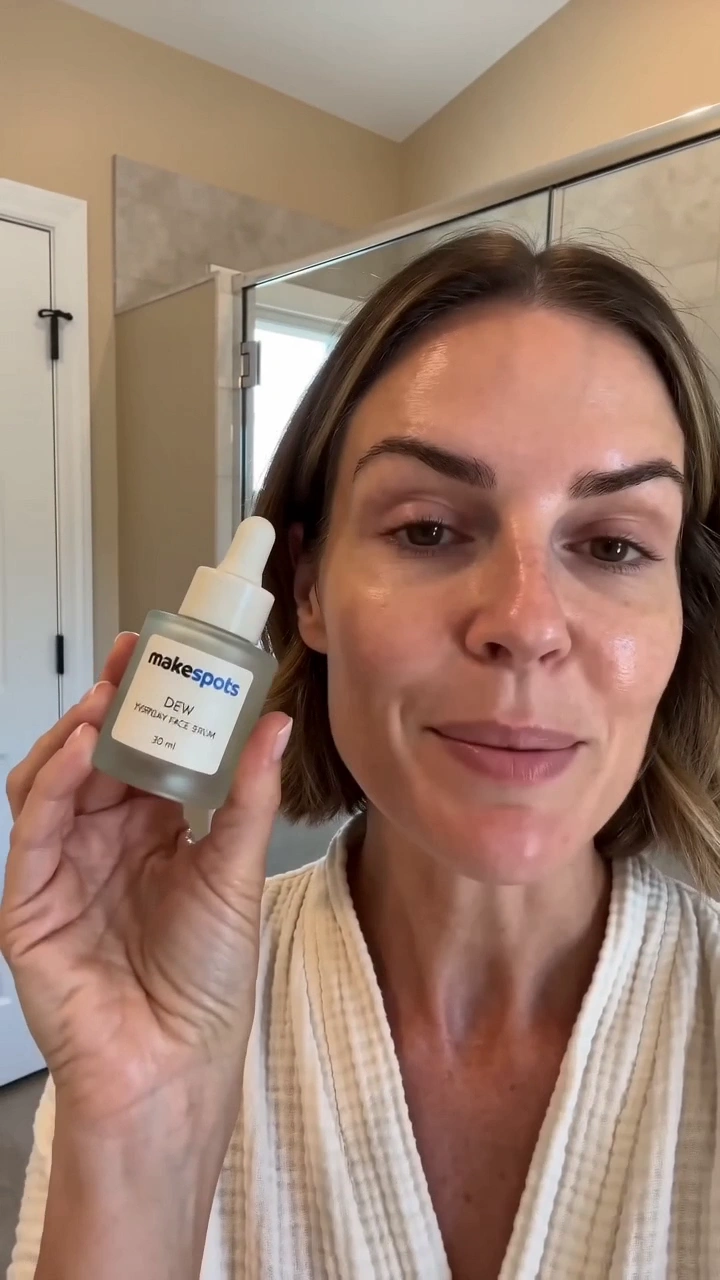
Dreamy MeadowImage
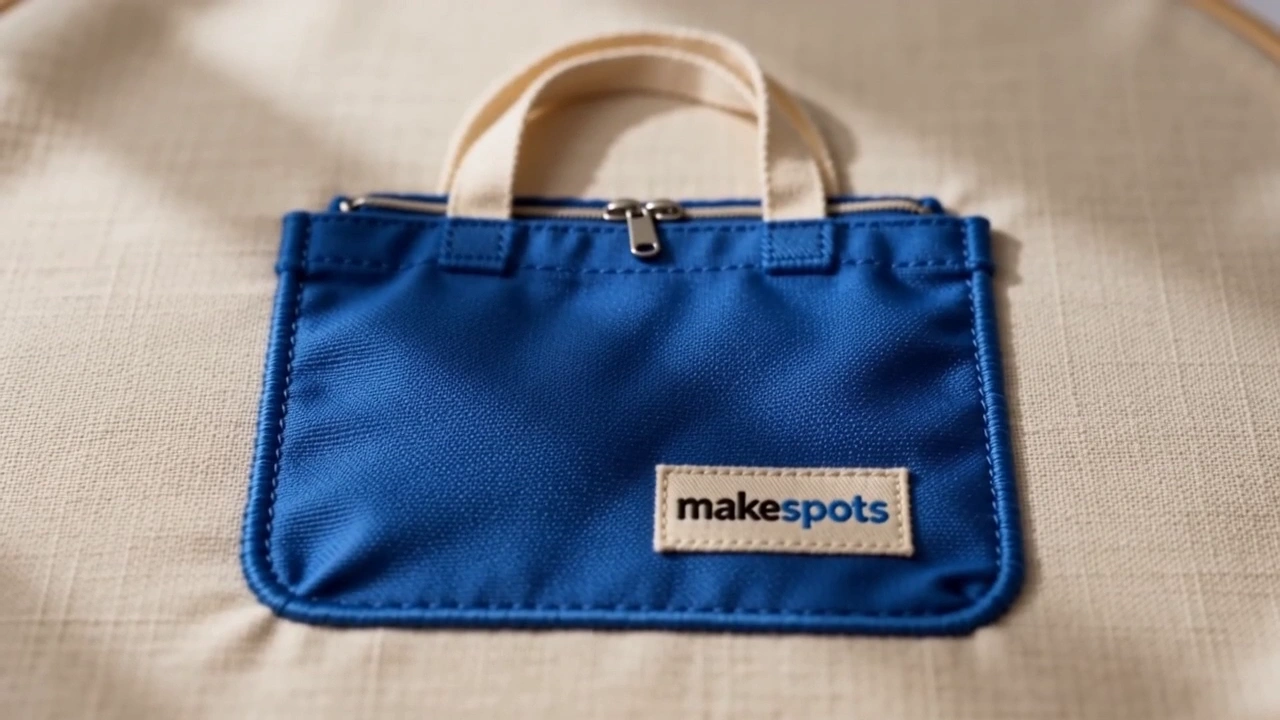
Sewing AnimationVideo
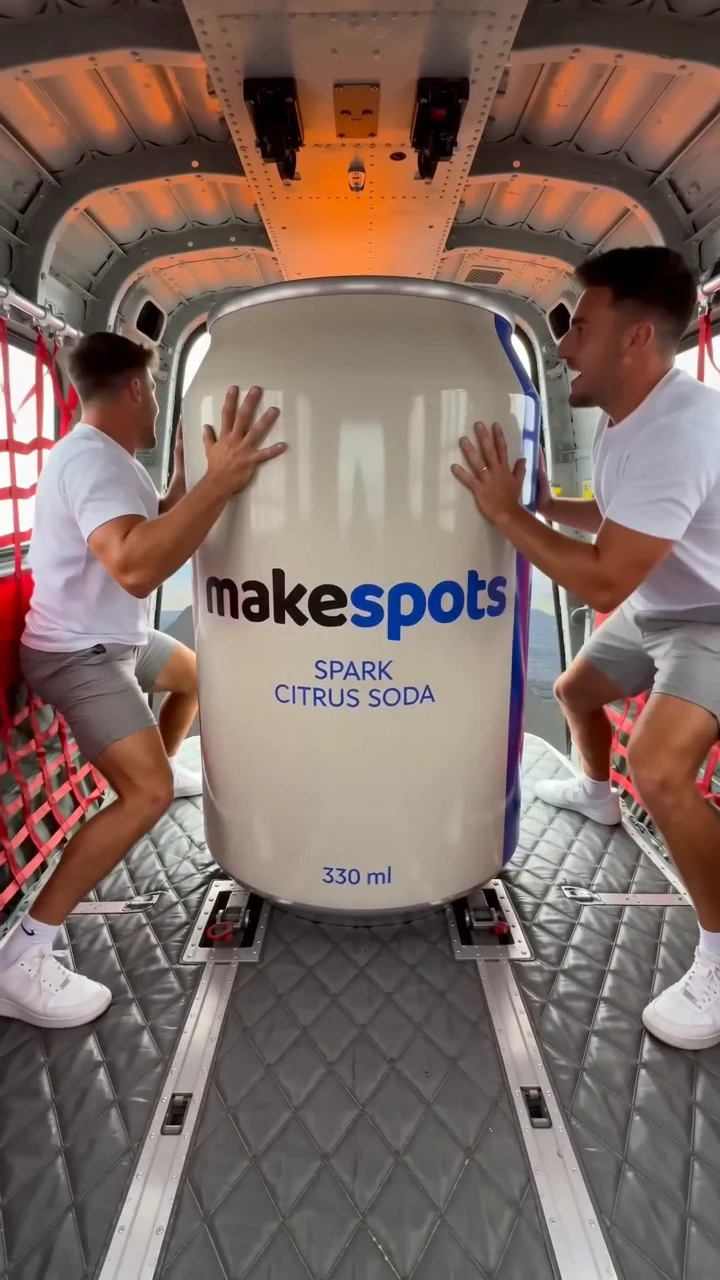
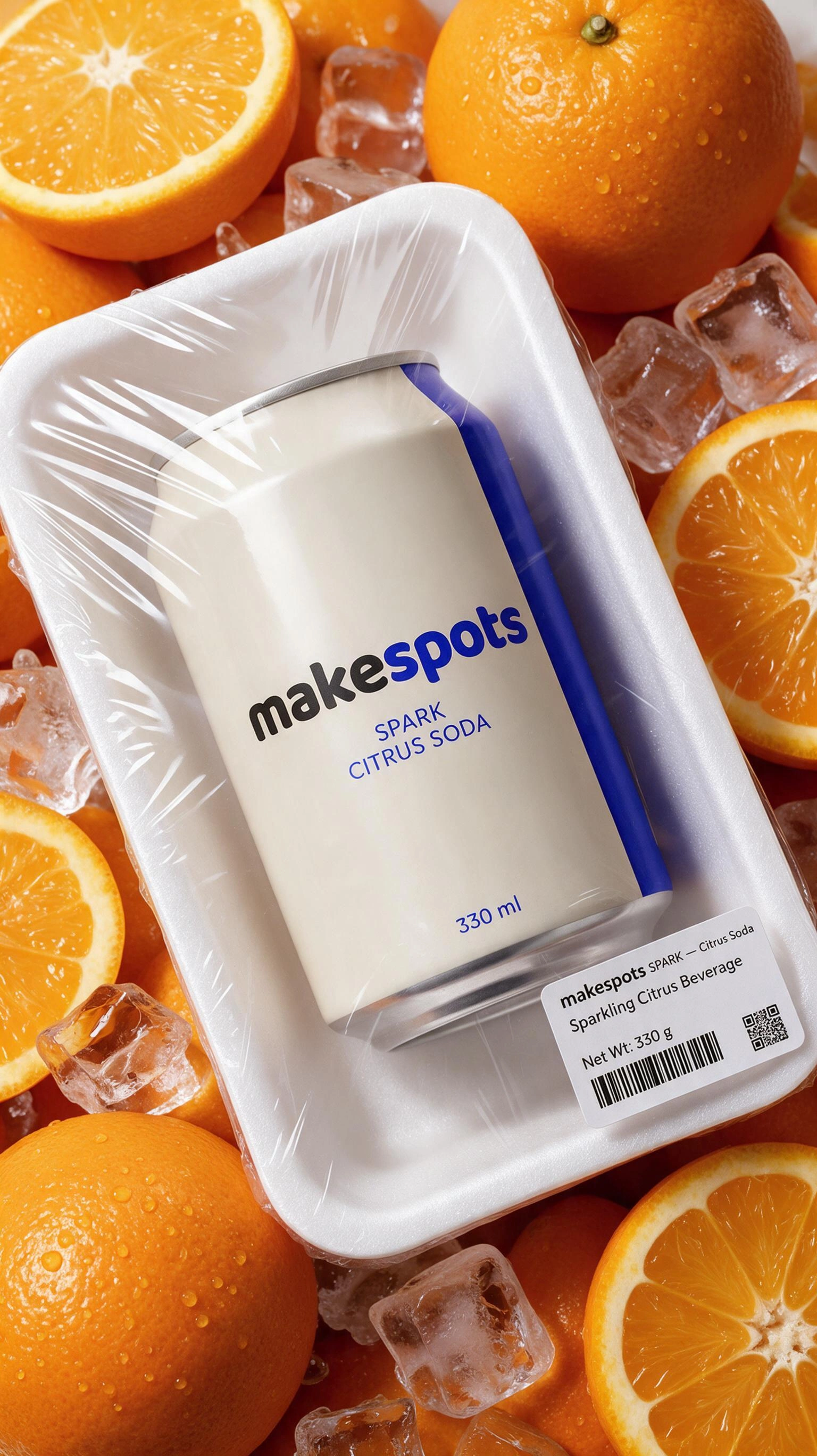
Plastic Wrapped ProductImage
- 01
Save the whole starting point
Keep the workflow and product inputs together, with the results you’ve made. A saved project gives your next session context.
- 02
Try another direction
Reopen a project, change the prompts or inputs, and create a fresh version. Duplicate a project when you want to keep a separate direction.
- 03
Find your creative work again
Search and filter your projects, then return to the one you want to continue. Archive older work to keep the current ideas in view.
Good to know
A closer look at
projects & variations.
What does a project keep?
A project preserves your creative workflow and its inputs so you can return to the same work. Generated results are available with the saved creative when generation completes.
How do I keep two different creative directions?
Duplicate the project before changing the prompts or product inputs. Give the copy a useful name so you can tell the two directions apart in your project library.
Can I organize older projects?
Search and filter your project list to find a specific creative. Archive projects you don’t need in your current view; the Archived tab lets you find them again.
Find your next viral format
Your next viral ad.
Ready in minutes.
Pick a template. Add your product. Turn the format that caught your eye into an ad for your brand.
Free to explore. No sign-up needed.