Opening page…
Skip to contentSee the idea.
What should the
Bring a useful
Make the format
8 curated image templates
AI image ad templates
A new campaign look starts with one product photo. Explore still-image concepts for packaging, scenes, and product-led ads.
Watch the examples. No sign-up needed.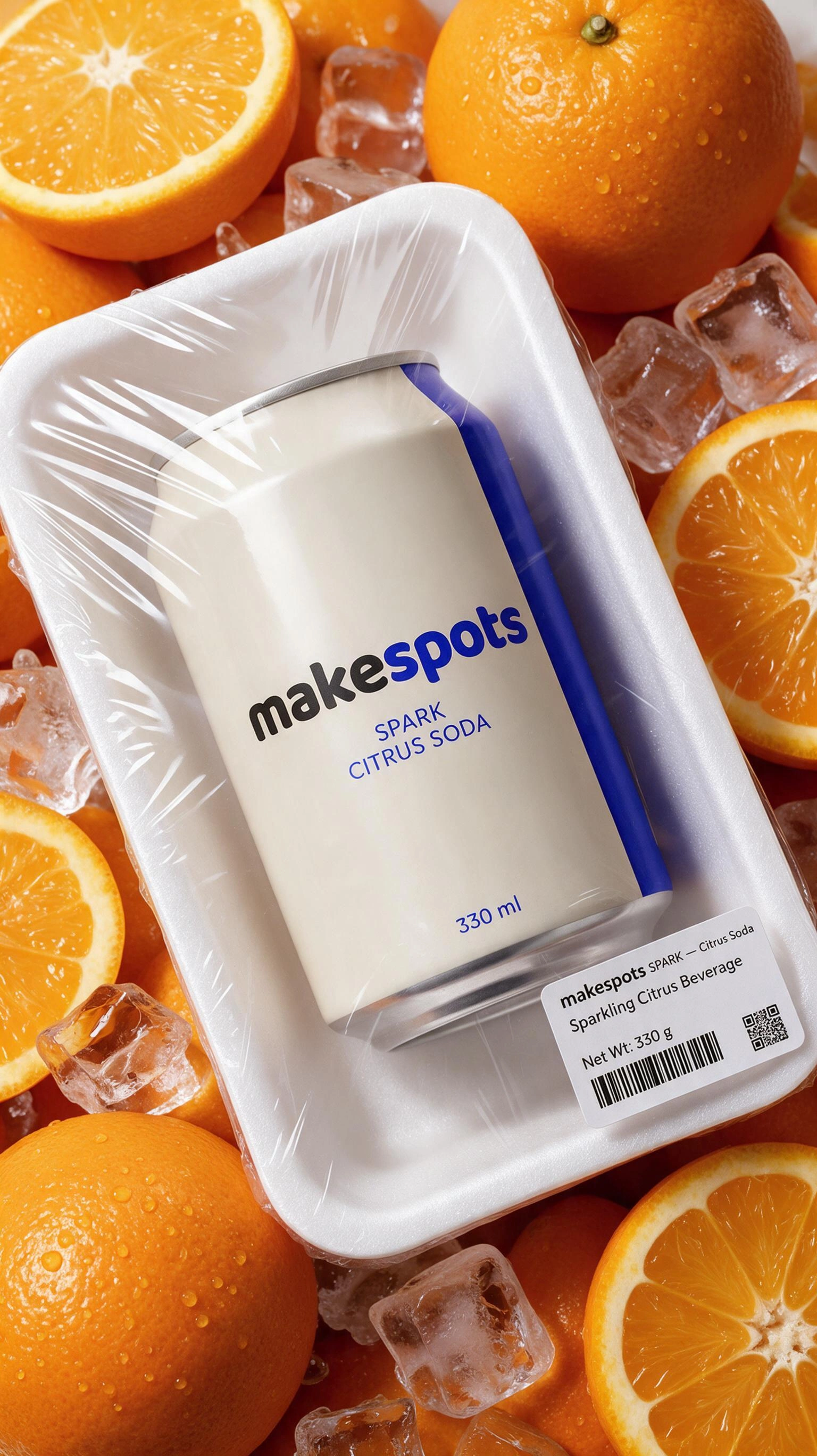
Choose with the creative in view
See the idea.
Find your starting point.
Every example links to an editable template and a detailed guide. Choose the format whose creative job matches yours.
Texture and packaging concepts
Use wrapping, texture, and the product name to build a packaging-led composition.
BringProduct Name/Brand Name · Product Image
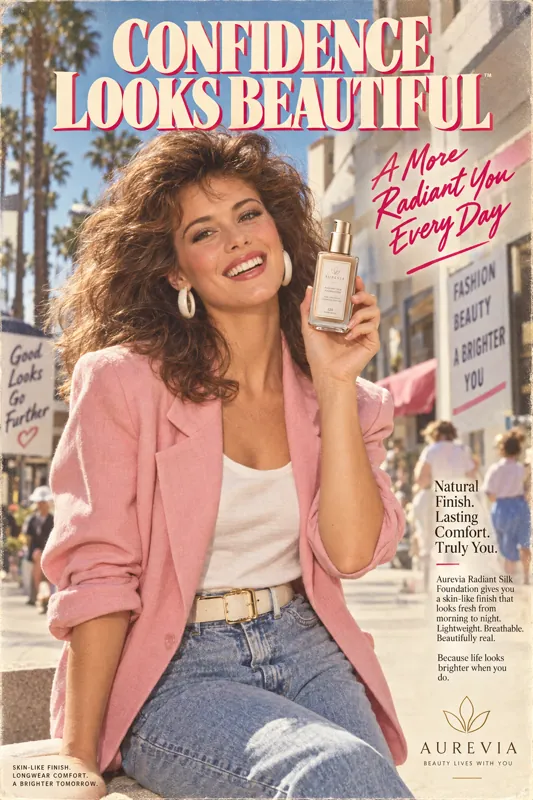
A nostalgic advertising treatment
Take a retro advertising direction with a distinctive print-like campaign look.
BringProduct Image
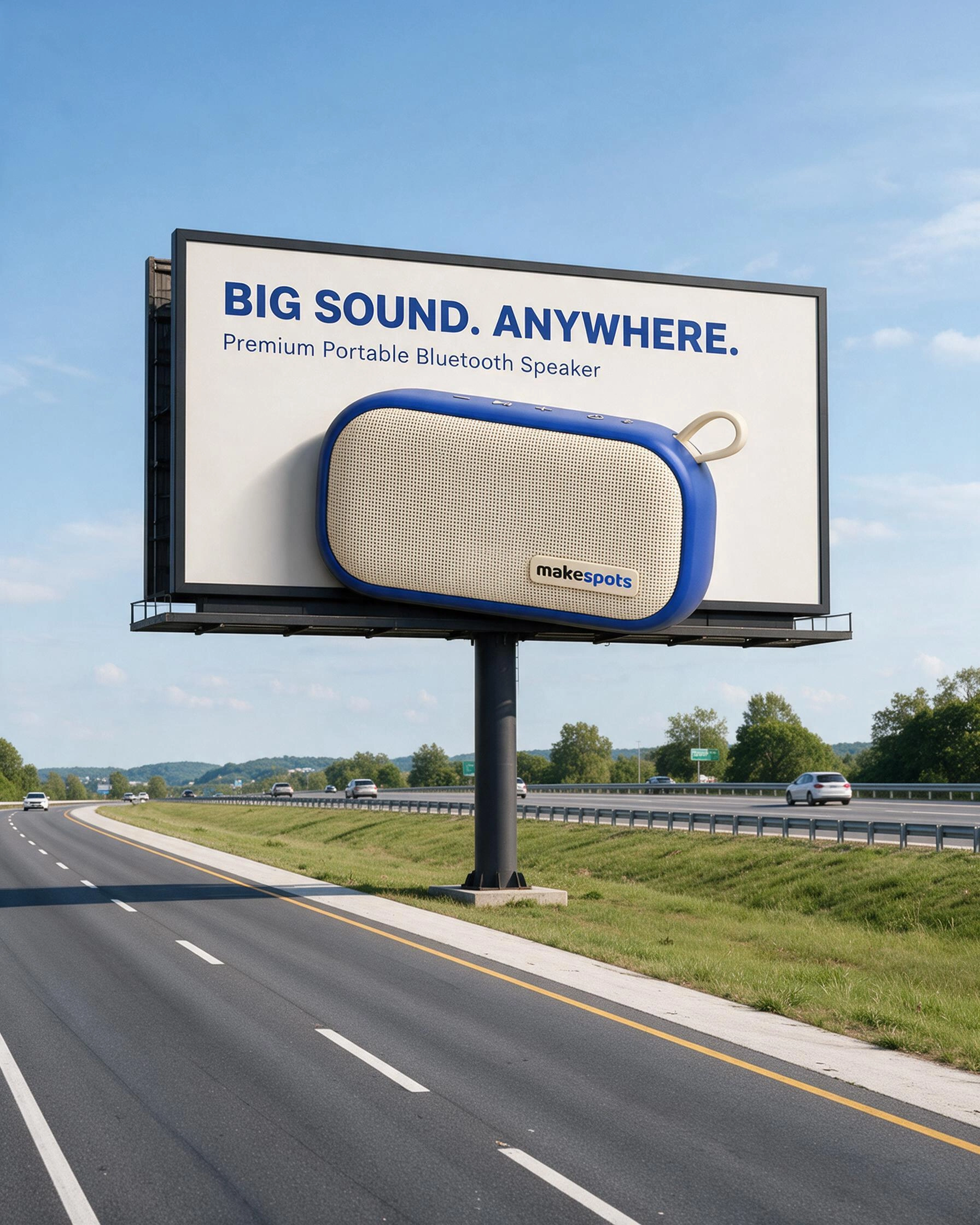
An outdoor advertising visual
Place the product into a dimensional outdoor advertising scene. Treat the result as a campaign concept to review.
BringProduct Image
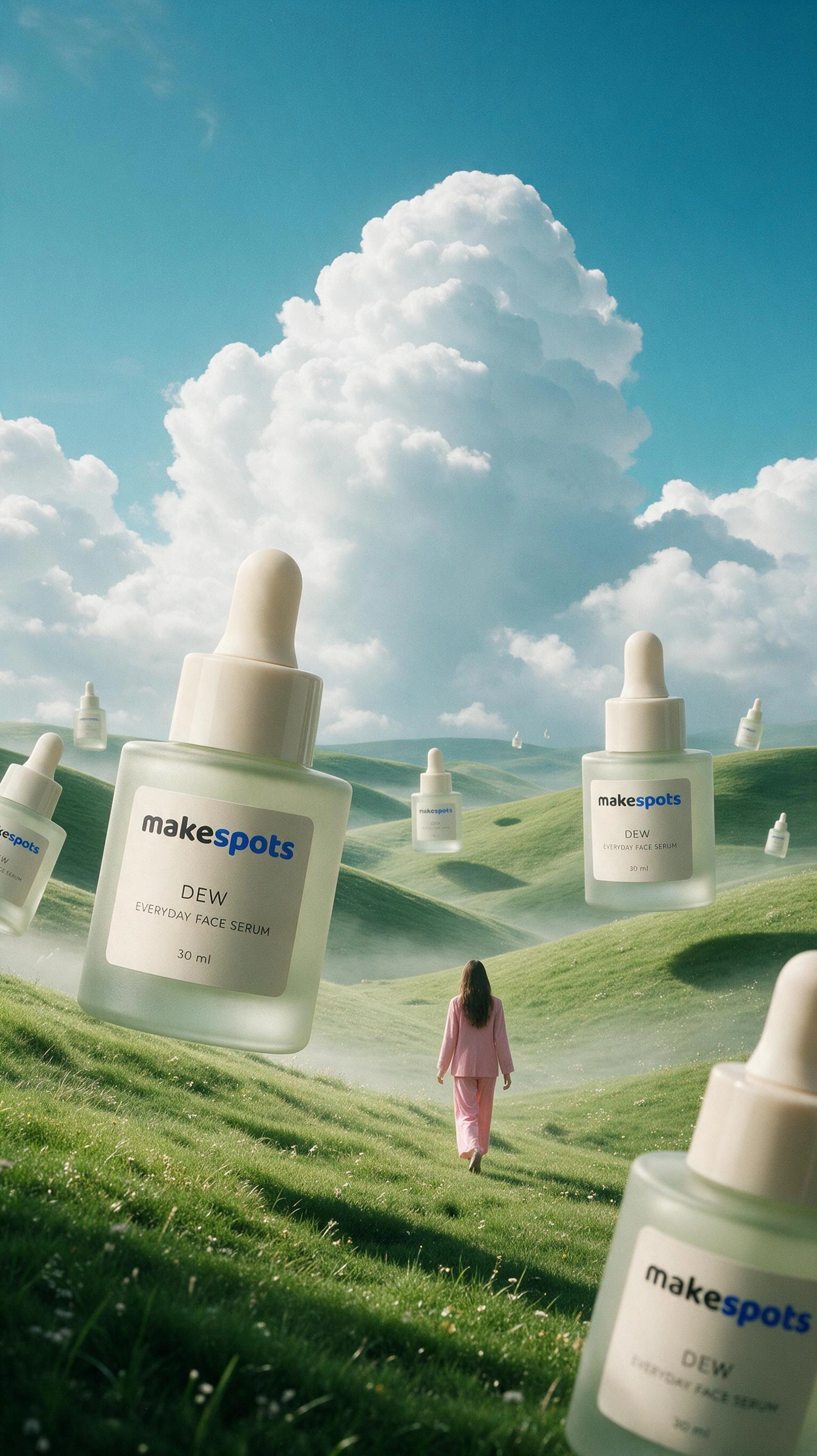
Bright lifestyle product scenes
Give the product a soft, nature-led setting that changes the world around the reference.
BringProduct image
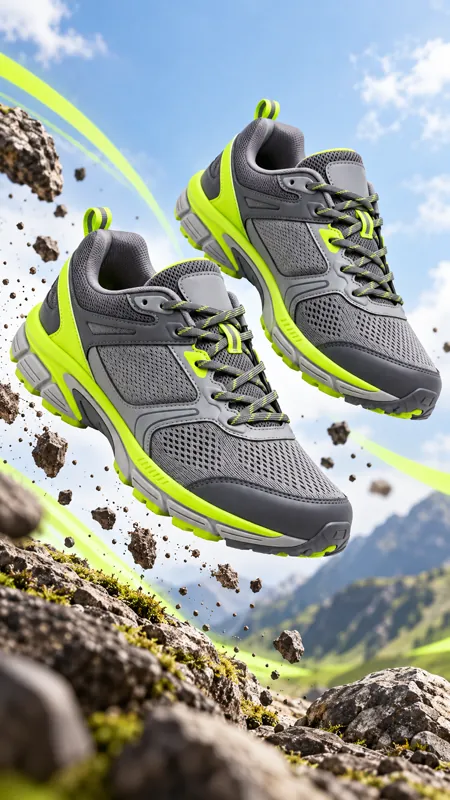
A product-first campaign hero
Build a floating commercial hero image with the product as the focal point.
BringProduct Image
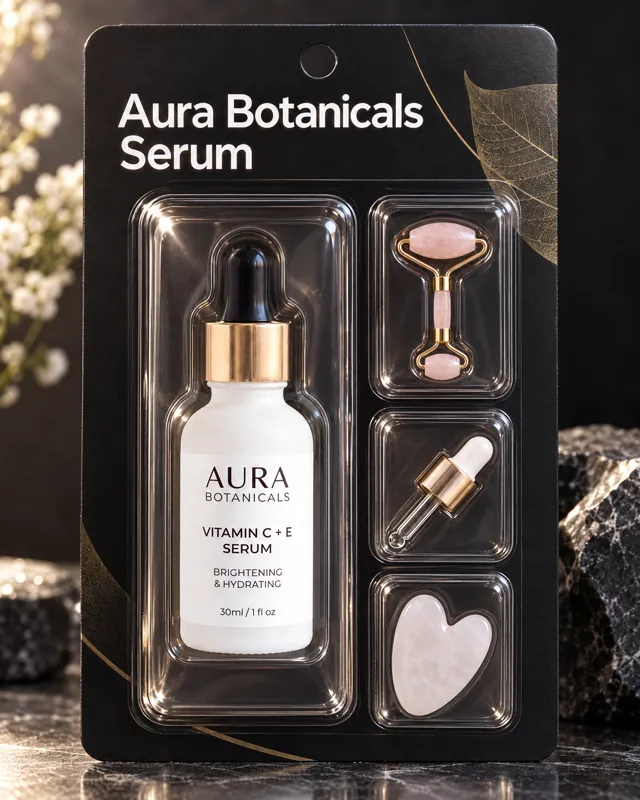
A playful package presentation
Use a collectible-pack presentation with explicit controls for the product image and name.
BringProduct Image · Product Name
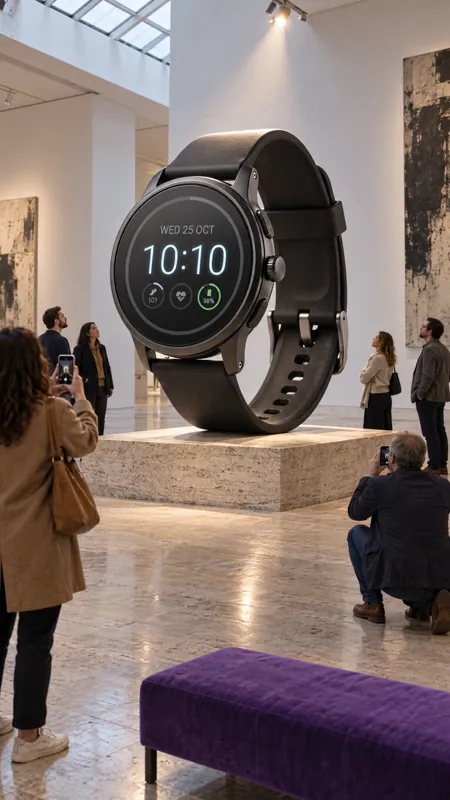
Scale and a gallery-inspired setting
Give the product a monumental, exhibition-like context in a single image.
BringProduct Image
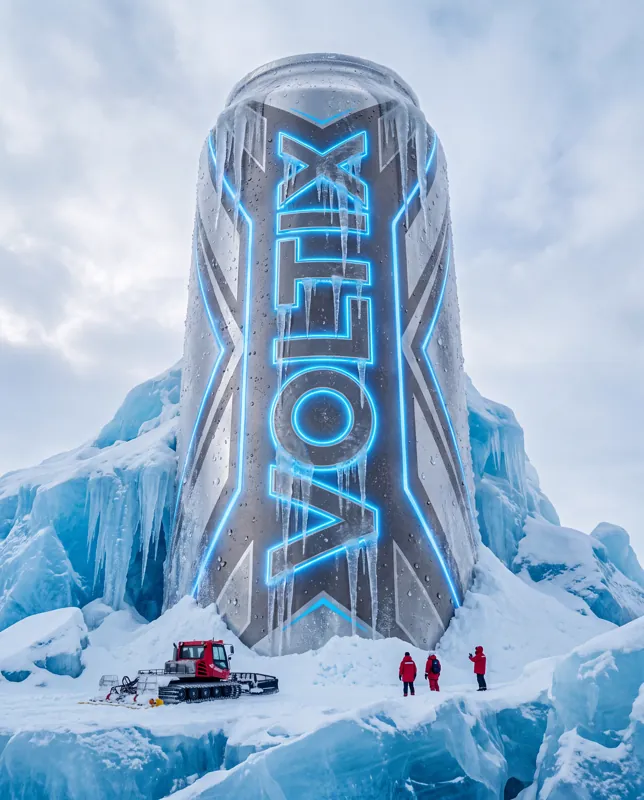
A bold frozen product scene
Explore an ice-and-scale treatment when the campaign idea calls for a colder, more dramatic world.
BringProduct Image
Choose the right direction
What should the
creative do?
A still image has to communicate its idea in one frame. Choose what should do the work: the setting, the product’s scale, the texture around it, or an advertising layout. These templates are useful creative starting points; a generated billboard scene is a visual concept, while a collectible-pack treatment is a way of presenting a product rather than a production packaging file.
You need a product hero
Compare Mid-Air Commercial Hero and Dreamy Meadow. Decide whether the item needs an isolated focal point or a recognizable environment.
You are exploring a campaign concept
Try the billboard, museum, or frozen scene. Judge the central idea first, then inspect realism and product fidelity before using it.
The package is part of the story
Compare Plastic Wrapped Product with Product Collectibles. Bring the correct product name for the templates that ask for it, and review all generated lettering.
Prepare the inputs
Bring a useful
starting point.
- A sharp photo with the full product and useful detail visible
- The exact product or brand name when requested
- One intended composition or campaign direction
- A review of lettering, packaging geometry, and final crop
- 01
Choose the image’s job
Pick a hero shot, a packaging concept, or a campaign setting. Compare the compositions, not only their colors.
- 02
Add your reference
Upload or choose the product photo. Enter the product name when the template explicitly asks for it.
- 03
Review the final frame
Check the logo, copy, proportions, and crop. Keep an approved version before making a different composition.
Before you create
A few useful answers.
Are these video templates?
This collection produces still images. Choose the product reveal, UGC, or animated ad collections when motion is part of the idea.
Are the results print-ready packaging or billboard files?
These workflows create image concepts. They do not supply dielines, editable vector artwork, or a guarantee that an image meets a printer’s production specifications.
Will small text stay exact?
Small lettering and logos need close review in AI-generated images. Supply the clearest reference available, use the exact name where requested, and verify the output before publishing.
Take the next step
Make the format
work for your idea.
How to prepare product images for AI adsThe reference tells the workflow what your product looks like. Give it a clear view of the right object before asking for a different scene.
Product reveal video templatesMake the first frame count. Turn a clear product photo into a reveal with scale, movement, or a change of scene.
UGC video ad templatesPut the product in an everyday moment. Choose a selfie line, a presenter-led scene, or a hands-only demonstration.
Make the next one yours
Your product. This direction.
Open a template, bring your reference, and build your next creative from the format you chose.