1. Decide what the clip needs to show
A product photo can become a reveal, a demonstration, or supporting footage. Pick one job for the first version. A reveal introduces the product through a visual change; a hands-only demonstration adds a use context; b-roll fills a specific shot in an existing story.
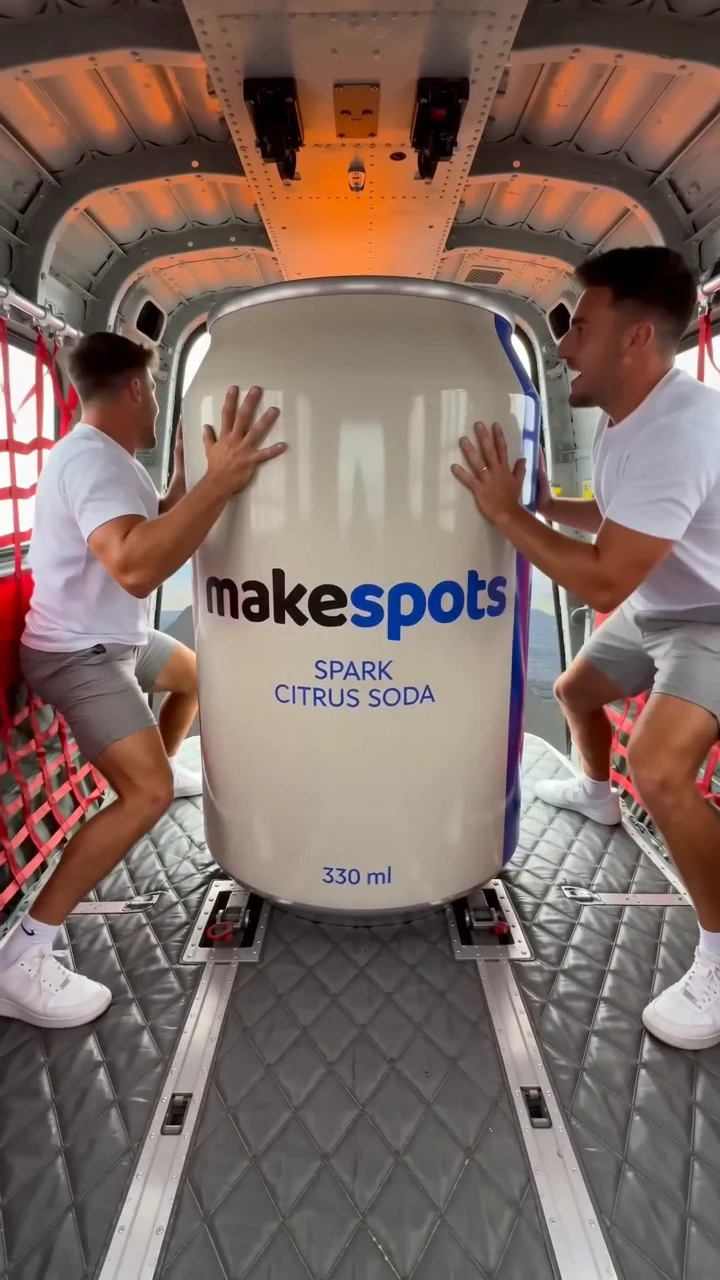
For this walkthrough, use Volcano Blast as a reveal example. Its large-scale product scene supplies the central visual idea. You are adapting a format with your product, rather than asking one prompt to invent an entire campaign.
- Reveal: make the product’s entrance the main event.
- Demo: show one plausible product interaction.
- B-roll: describe the specific cutaway the story is missing.
2. Start with a clear reference
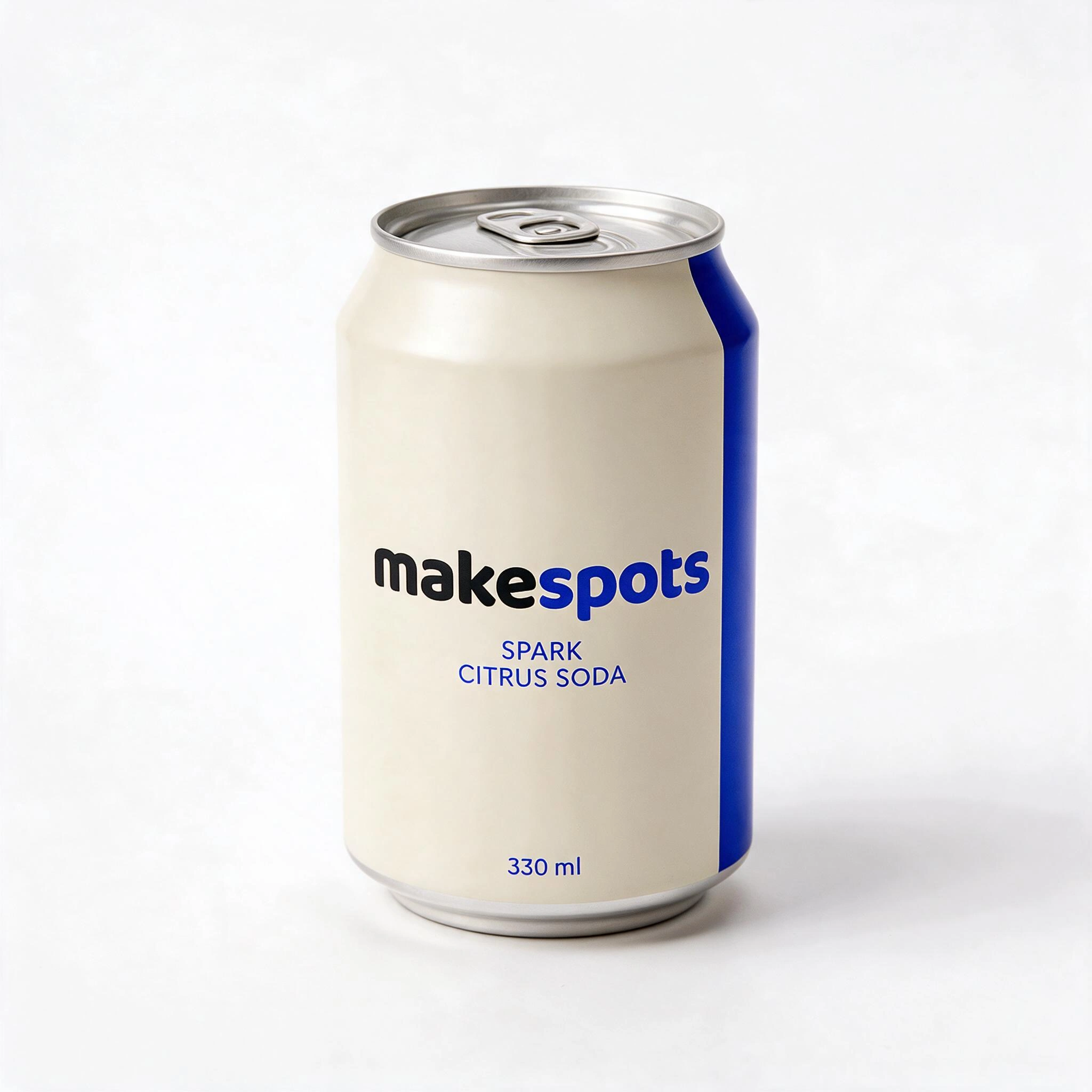
Use a sharp image that shows the whole product. Give the object enough room around its edges, and make the version, color, and packaging easy to recognize. A small object in a crowded scene gives the workflow less useful information about what matters.
You do not need to upload a finished ad layout. The product reference and the creative setting have different jobs. Keep a clean source image in Assets, name it by product and angle, and reuse it when comparing other compatible templates.
makespots Spark can — front three-quarter view
3. Use the template’s input panel
Open the template and check its requirements. Volcano Blast asks for a product image. Other formats may also ask for a product name, a setting, a shot description, or spoken dialogue. Add what the chosen format requests instead of guessing extra fields.
Watch the original preview again after adding the reference. Identify the part you want to keep: the scale change, the camera idea, or the final hero framing. That decision gives later prompt edits a purpose.
4. Change one part of the direction
Open Canvas to inspect the connected workflow and edit the creative prompt when needed. Make a concrete request about the scene or movement. Avoid stacking unrelated effects into the first attempt; it becomes harder to tell which choice changed the result.
Keep the carton upright as the main subject. Use one clear reveal and finish with the front of the package visible. Keep the camera movement restrained.
5. Review before you download
Review the available generation settings and credit quote before confirming the run. Once the result is ready, watch the full clip and inspect the product’s shape, label, and any interactions. A strong opening does not replace checking the rest of the video.
Save the project with a useful name before trying another direction. If the next version changes the setting, keep the product reference and main motion idea the same. If it changes the reveal, keep the setting stable. You will have a clearer record of what each version was meant to do.
- The product stays recognizable across the clip.
- The reveal resolves into a useful final frame.
- Text, labels, and claims have been checked.
- The saved project name explains this direction.
Try the idea
Volcano Blast
Open the template to see its required inputs and editable workflow. Review the available generation options and credit quote before you run it.
Open this templateRead the template guide