- Opening
Your desk doesn’t need another disposable bottle.
- Product moment
Here’s a refillable one with a simple shape and a lid you can see up close.
- Next action
Take a closer look and choose the color that fits your day.
Adapt the wording to verified details about your own product.
1. Start with the situation
Choose a situation the intended viewer can recognize. A skincare product on a bathroom shelf, a bottle packed for a commute, and a desk accessory in a home office all suggest different openings. The setting should make the product’s role easier to understand.
Write the situation in plain language before writing the line. You are choosing the scene’s focus, not inventing a customer’s experience. An AI-generated presenter does not make a first-person claim true.
A refillable bottle on a work desk. Show the lid and the shape. Keep the message about making room for an everyday refill.
2. Use an opening, a product moment, and an action
The opening introduces the situation. The product moment gives the viewer something concrete to look at. The final line suggests a clear next step. Keep each part connected to the same idea instead of changing the subject halfway through.
For an early draft, write three short sentences. Read them aloud and remove anything that sounds like a list of specifications. A direct product description often works better than a large claim that the footage cannot show.
Your desk doesn’t need another disposable bottle. Here’s a refillable one with a simple shape and a lid you can see up close. Take a closer look and choose the color that fits your day.
3. Keep the claims tied to what you know
Use verified product information for any performance, health, safety, or comparison claim. Do not write an invented testimonial as though a real customer said it. If the scene uses an AI-generated person, review how the whole ad represents that person and the product.
When a benefit has not been established, describe the visible feature or intended use instead. You can write a clear scene around a lid, texture, shape, or use context without inventing measured results.
- Replace unsupported superlatives with specific product details.
- Remove invented personal results or customer endorsements.
- Check that the visual can support what the line describes.
4. Put the script in the right input
UGC Selfie Line Clip includes controls for the product image, what the person says, and where they are. Keep the spoken words in the speech field and the setting in its own field. That makes it easier to revise one part without rewriting the whole brief.
A hands-only demonstration has a different purpose. It asks for a use context rather than a spoken script. Choose the format that matches the delivery you want before spending time refining dialogue.
5. Listen to the actual result
Watch and listen to the generated clip, rather than reviewing only the script in the input panel. Check whether the words are delivered as intended, whether the product remains recognizable, and whether any hand movement or framing distracts from the message.
If a line feels rushed or difficult to follow, shorten it before adding more direction. Save a separate project for a new opening so you can compare the creative ideas without losing the original version.
- One clear message across the whole clip.
- Dialogue sounds natural when spoken aloud.
- Product details and claims are accurate.
- The next action is specific enough to understand.
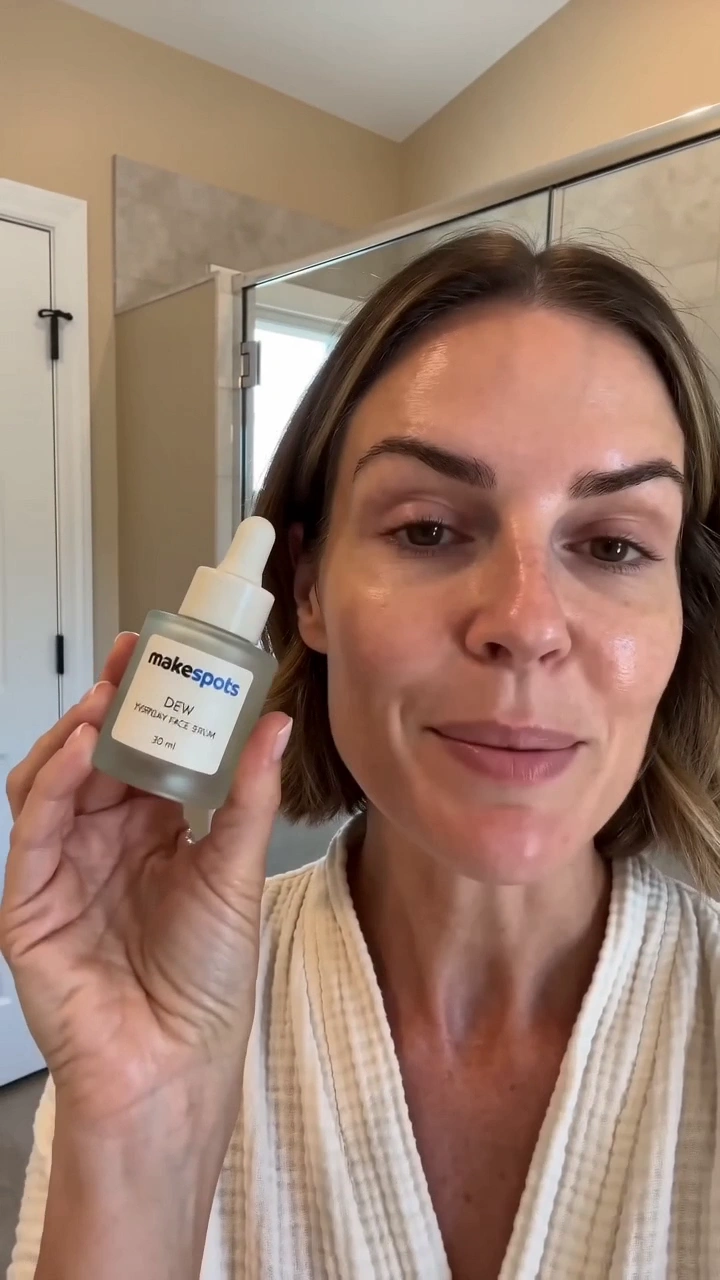
Try the idea
UGC Selfie Line Clip
Open the template to see its required inputs and editable workflow. Review the available generation options and credit quote before you run it.
Open this templateRead the template guide