A clear product reveal
A calmer camera direction
The same product, a new scene
Separate projects keep each direction easy to find.
1. Decide what you want to compare
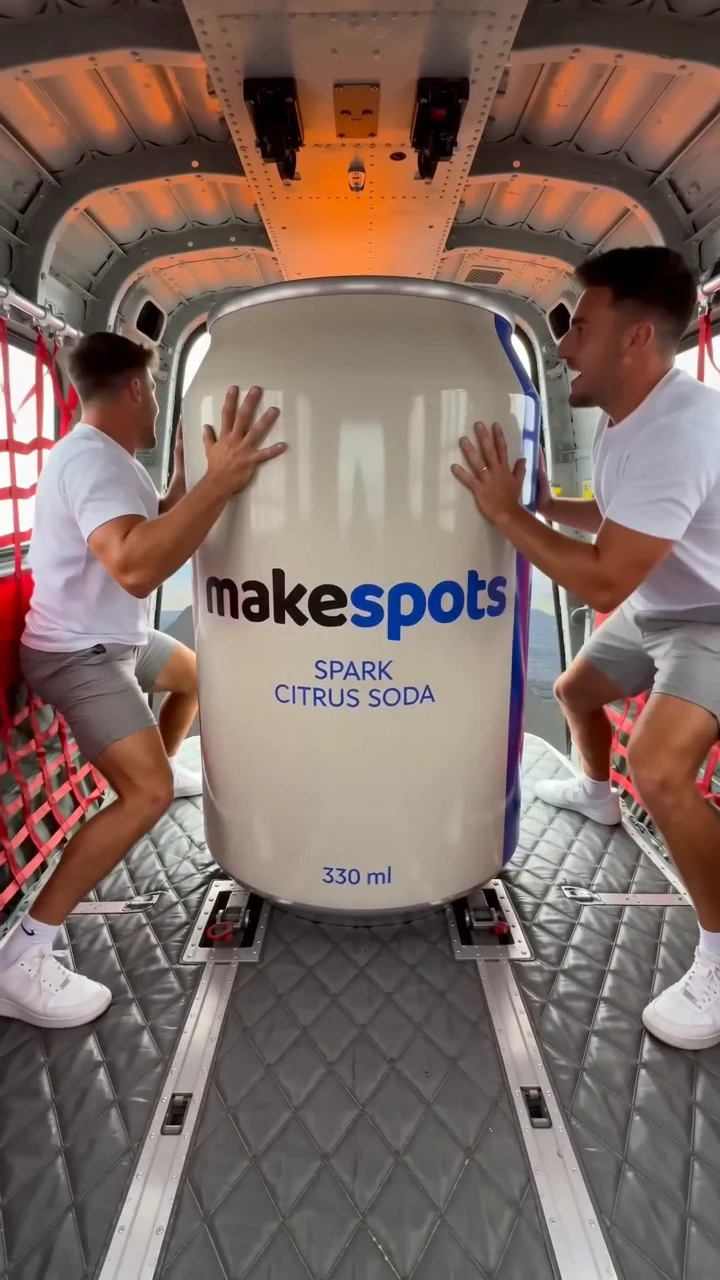
Start with a creative question: should this product be introduced through dramatic scale, a restrained reveal, or an everyday scene? Those are different directions. A variation inside one workflow is more focused: the same reveal with a new setting, or the same selfie scene with a different opening line.
Write down which part will change and which parts should stay stable. This is a production plan for the creative, not evidence that one version will perform better in a campaign.
Does a calmer camera direction make the product easier to understand in this reveal?
2. Save a useful starting project
Save the workflow with the product inputs and a name that describes the direction. A project called ‘Bottle — scale reveal — original’ is easier to return to than a sequence of unnamed drafts. Keep the source asset available in the same workspace.
Review the first result before building on it. If the package shape or logo is wrong, correct the reference or prompt before making a family of variations that all carry the same problem.
3. Duplicate before changing the idea
Use the project’s duplicate action to keep a separate direction. Update the copy’s name and then change the intended input or prompt. Leave the original available as the starting point you can return to.
The next run is a new generation with its own settings and credit quote. Duplicating a project does not make generation free, launch an ad, or create a batch automatically. Review the cost and output for each version.
| Version | Change | Keep stable |
|---|---|---|
| Original | Initial reveal direction | Product reference and core message |
| Camera variation | A calmer camera request | Reference, setting, and reveal idea |
| Setting variation | A different scene | Reference and chosen camera direction |
4. Compare the actual creative
Watch the full video or inspect the whole image. Compare the part you intended to change, then check for unintended differences in product identity, lettering, or scene continuity. AI outputs can differ in more than the one direction you requested.
Keep a brief note in your own review process about why a version is useful. ‘The product face is easier to see’ is more actionable than ‘looks better’. Save the project that produced it so the workflow remains available.
5. Know when you need a different template
If the creative question changes from a product spectacle to a spoken explanation, changing the current prompt may be the wrong starting point. Choose a UGC template for a speech-led scene, or a product demo when showing use is the main job.
Reuse compatible assets when moving to the next format. Keep the different creative directions in clearly named projects, and use your normal advertising tools to measure campaign outcomes. The project library records your work; it does not establish reach, conversions, or a winning ad.
- One question explains each version.
- The original workflow remains saved.
- New results have been checked for product accuracy.
- Project names distinguish the creative directions.
Try the idea
Volcano Blast
Open the template to see its required inputs and editable workflow. Review the available generation options and credit quote before you run it.
Open this templateRead the template guide