Opening page…
Skip to contentSee the idea.
What should the
Bring a useful
Make the format
4 curated video templates
Animated product ad templates
Give the product a different kind of entrance. Explore illustrated motion, tactile transformations, and animated reveals.
Watch the examples. No sign-up needed.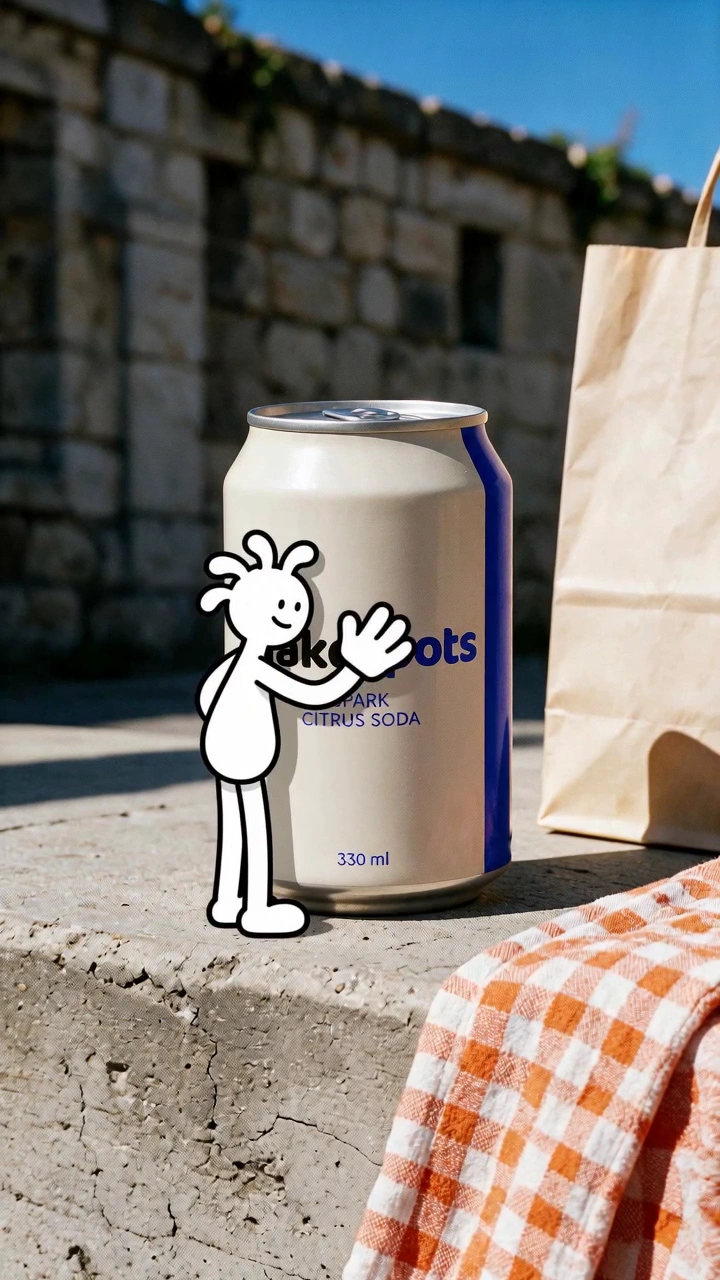
Choose with the creative in view
See the idea.
Find your starting point.
Every example links to an editable template and a detailed guide. Choose the format whose creative job matches yours.
Friendly packaging and expressive launches
Add an illustrated motion treatment around a product photo. Choose this when playful marks support the product rather than compete with it.
BringProduct Image
A handmade or texture-led creative direction
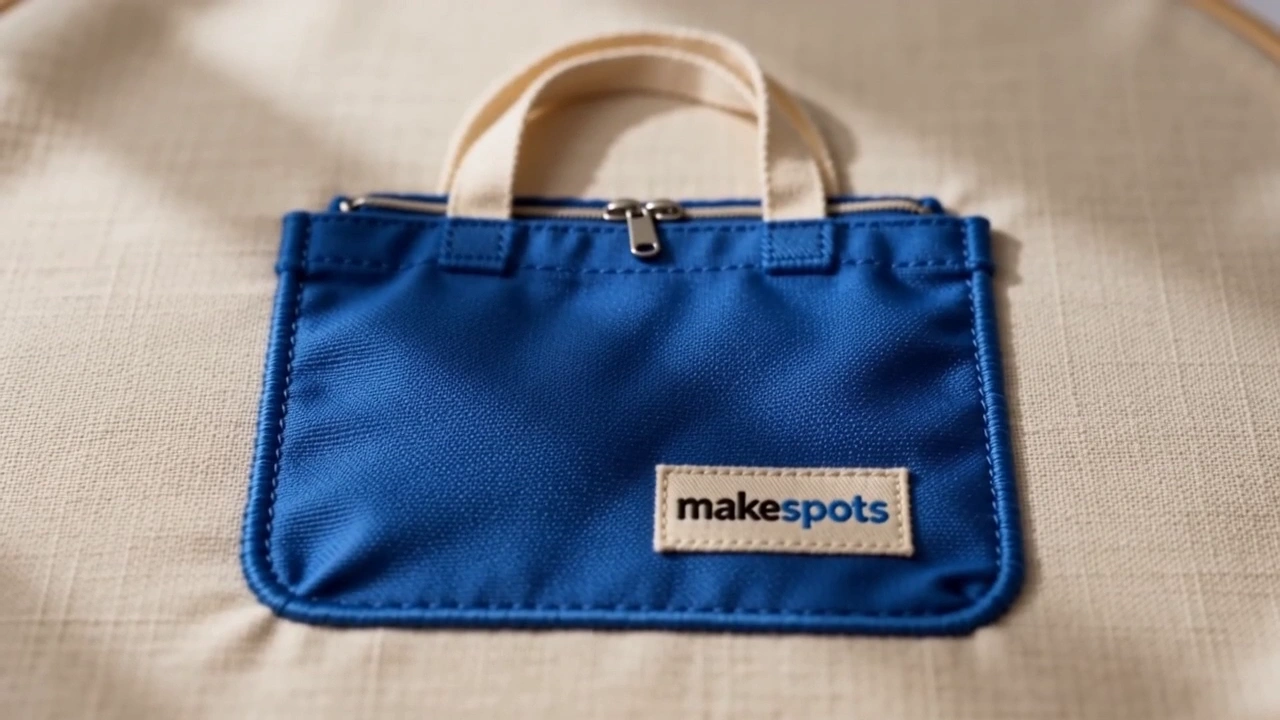
Explore a textile-inspired animated treatment. The tactile direction can connect a creative idea to craft, texture, or a softer visual world.
BringProduct Image
Constructed scenes and dimensional motion
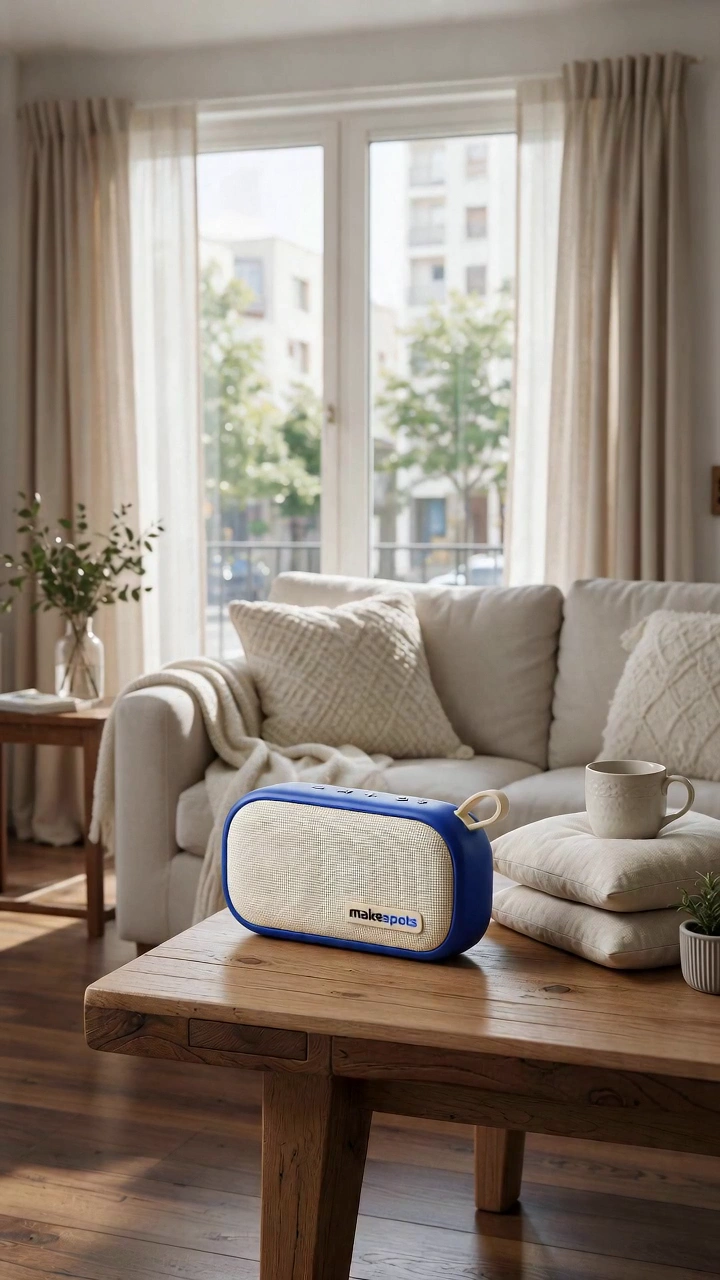
Build the scene through a spatial assembly effect. It creates a distinct reveal without relying on dialogue.
BringProduct Image
A logo-focused brand moment
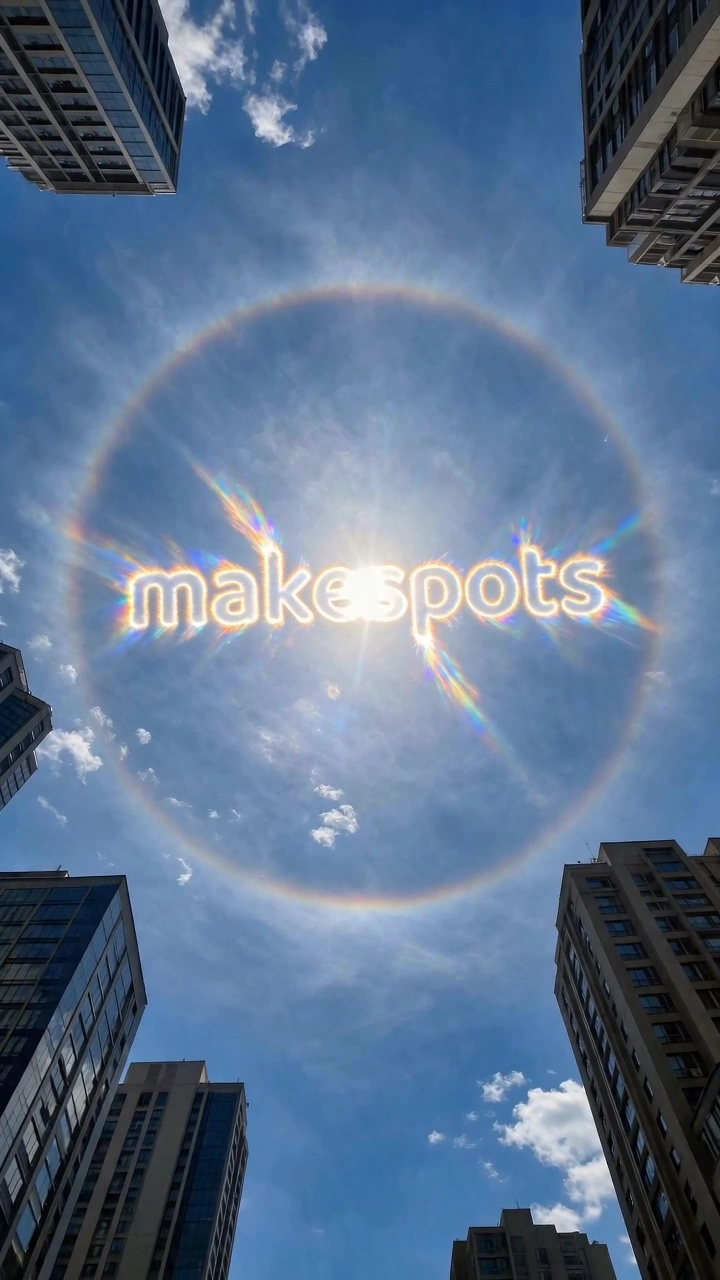
Start from a logo rather than a product image. The halo treatment makes a brand mark the center of the animated scene.
BringLogo
Choose the right direction
What should the
creative do?
Animation can change how a product is introduced without turning every frame into a busy effect. Start with a treatment that belongs with the brand: a doodle can feel light and expressive, textile motion can emphasize a handmade idea, and a spatial assembly can make the scene feel constructed. A logo reveal has a different purpose again: recognition rather than a product demonstration.
A playful product story
Try a doodle treatment with a simple, readable reference. Keep the object visible so the animation supports recognition.
A tactile brand world
Choose the sewing direction when texture is part of the idea. Review the transformation carefully where small package details need to remain accurate.
A brand introduction
Use the logo template when the mark is the message. Give it a clean logo reference rather than a product photo with a small logo embedded in it.
Prepare the inputs
Bring a useful
starting point.
- A product image, or a clean logo for Sun Halo Logo
- A motion treatment that fits the brand’s tone
- One main visual idea rather than several competing effects
- A check of product details and logo shape in the finished clip
- 01
Choose the treatment
Compare how the motion works across the full clip. Decide what role the effect should play in the product story.
- 02
Add the right reference
Use a clear object photo for product effects and a clean mark for logo animation. Follow each input’s label.
- 03
Tune the direction
Adjust prompts on Canvas if needed, then review the movement and how the object changes during the effect.
Before you create
A few useful answers.
Are these editable animation project files?
These are AI generation workflows with editable inputs and prompts. They are not After Effects, Premiere, or vector animation project files.
Can I upload a logo to every animated template?
Sun Halo Logo is specifically set up for a logo input. The other templates in this collection use product images; choose the one whose inputs match your material.
Can I make several animation styles from the same photo?
Yes. You can reuse an uploaded product asset in compatible templates. Save each creative direction as a separate project so the inputs and prompts remain easy to compare.
Take the next step
Make the format
work for your idea.
How to create ad variations from one templateKeep the starting point. Change one useful thing. A clear variation plan helps you make new creative without losing track of what each version is for.
Product reveal video templatesMake the first frame count. Turn a clear product photo into a reveal with scale, movement, or a change of scene.
UGC video ad templatesPut the product in an everyday moment. Choose a selfie line, a presenter-led scene, or a hands-only demonstration.
Make the next one yours
Your product. This direction.
Open a template, bring your reference, and build your next creative from the format you chose.