An AutoShorts alternative for a recurring AI host.
Looking for an AutoShorts alternative? Start with the workflow you want after the first video. AutoShorts centers on recurring faceless content and scheduled publishing. makespots centers on a recurring AI presenter, an editable script and a finished episode you review and download.
By makespots · Checked
Choose AutoShorts when connected, scheduled faceless publishing is central to the job. Consider makespots when the returning presenter and direct-to-camera explanation matter more, and you want to review the script and finished video yourself. It currently has no social auto-posting.
You have a repeatable niche and want generated narration, scene media and scheduled delivery to connected accounts. You can inspect upcoming videos, but the schedule can publish without you opening a preview. Account authorization and time for edits remain part of the job.
You want a recognizable fictional host delivering a connected explanation, with control over the spoken script. Keep the character reference and series direction, then make a different episode. Review the result and upload the downloaded MP4 through your normal publishing tools.
See the starting point
Two ways to begin a recurring series.
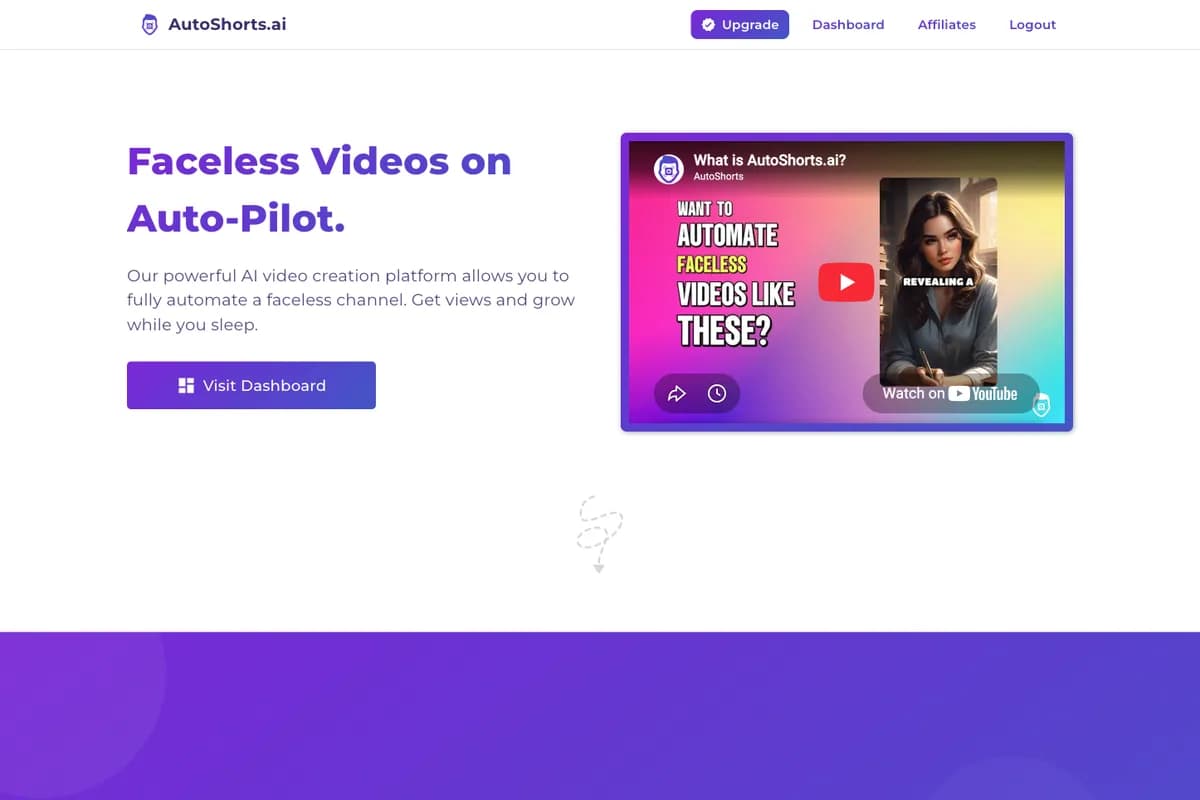
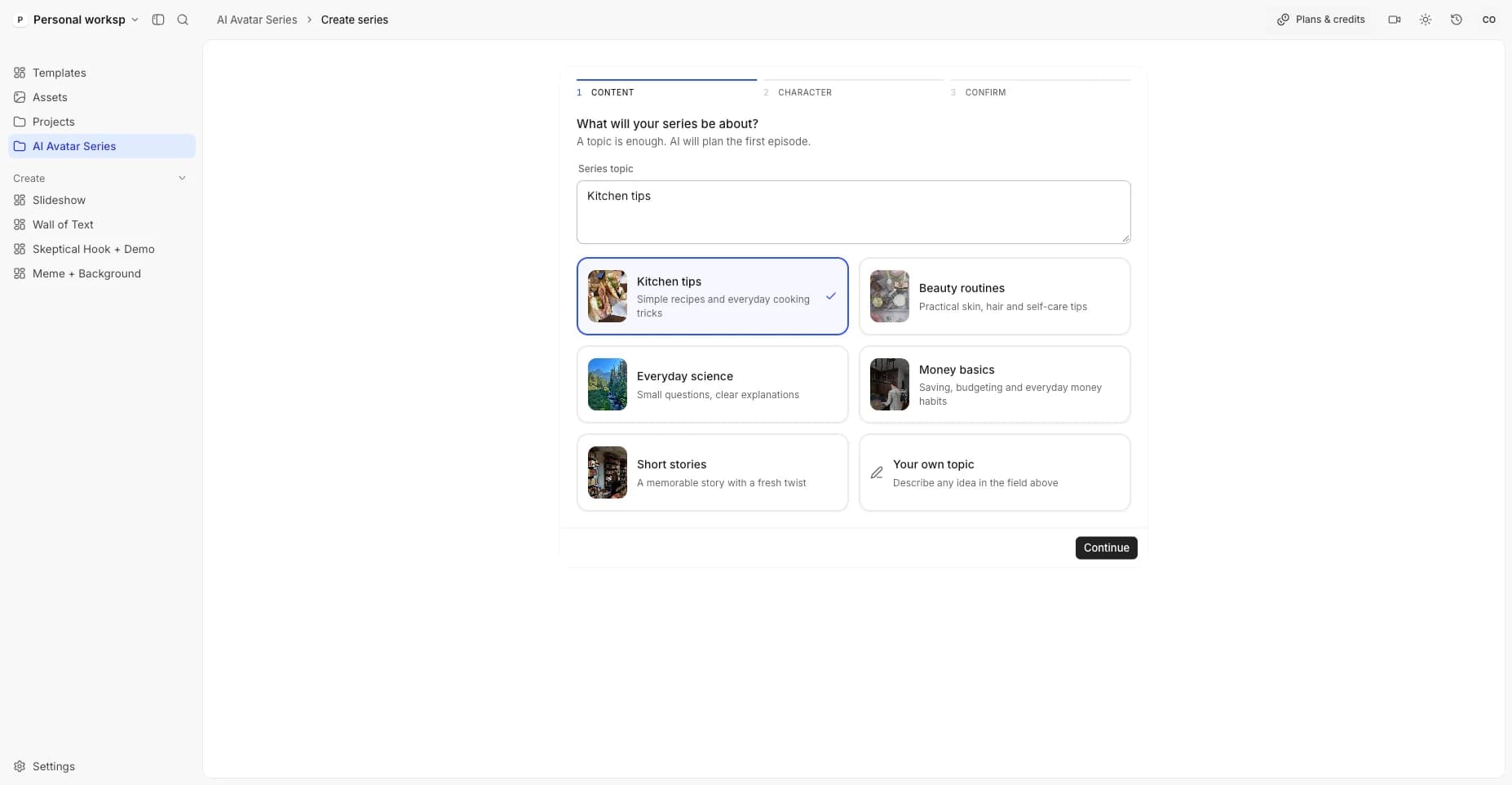
AutoShorts vs. makespots: what changes in the workflow?
| What matters | AutoShorts | makespots |
|---|---|---|
| Main job | Recurring faceless generation and scheduled publishing | Recurring AI-presenter episodes you review, edit and download |
| Starting input | A niche or custom Series prompt and creative settings | A topic, a preset or saved character, and confirmed video settings |
| What returns | Topic, narration and visual settings for the Series | The character reference, voice direction, scene and series brief |
| Script control | Edit the upcoming video's supported text fields | Review and approve the spoken script before video generation |
| Review before publishing | Optional before the scheduled time; pause early for more time | You review the finished episode and decide when to upload it |
| Destinations | One selected account per supported platform: TikTok, YouTube and Instagram | Download the MP4; no connected-channel publishing in this workflow |
| Visual approach | Narration with generated scene media, rather than requiring an on-camera host | A recurring talking character guided by a selected reference |
| Billing unit | Subscription and posting allowance for a Series, with separate motion credits | Generation credits quoted for the selected work; settings and reuse affect the quote |
Capabilities checked November 19, 2026. Review current plans and product controls before subscribing.
Compare both workflows with one three-episode brief
Use the same audience and subject when evaluating the products. The original brief below fits a practical desk series. These are proposed inputs and editorial directions, not generated-output results or a claim that either product completed the test.
Create short, practical videos for people working in a small room. Each episode shows one manageable desk improvement using ordinary items. Start with a familiar inconvenience, explain one change and finish with a useful result. Keep the tone conversational. Avoid shopping lists and productivity guarantees. Make each episode understandable on its own.
| Episode | Faceless direction | Avatar direction |
|---|---|---|
| The disappearing cable | Show a loose cable behind the desk, then a desk-edge clip keeping its connector within reach. | The returning host explains the missing-cable problem, points out the clip and shows where the connector now rests. |
| A place for tomorrow's notebook | Show a crowded work surface, a cleared notebook-sized space and the notebook left ready for tomorrow. | The same host clears one landing space, explains why it helps and puts the notebook there without changing rooms. |
| The end-of-day reset | Follow one workday's loose notes into a single tray, with narration explaining the small reset rather than promising productivity. | The returning host gathers loose notes into a tray and ends with a clear desk, keeping the original appearance and delivery. |
For the avatar version, describe the fictional host and room separately from the brief. Check hands, objects, speech and captions in the result. Shared references guide continuity; they do not guarantee the exact same face or voice in every generated clip.
Write the series and episode promptsFollow the whole path to publication
- Choose a niche or custom prompt, then set narration, language, visuals and duration.
- Connect and select destinations, check the schedule and review the upcoming video when needed.
- Make supported edits early enough for rendering, or pause before publishing starts if you need more time.
One Series can select one account on each supported platform. A connection alone is not the same as selecting the destination. Check account permissions and the resulting publishing status.
- Set Content, choose Character and Confirm the setup; detailed scene and video settings are optional.
- Prepare the character, draft or supply the script, then review and approve its spoken words.
- Inspect the generation quote, make the video, review it with sound, edit when needed and download the MP4.
Start the next episode from the same series. Add a specific topic or use an idea from the script stage. Posting rhythm is for planning; it does not activate automatic generation or publication.
Compare the billing unit before comparing the price
AutoShorts' standard monthly prices below are for one Series, checked on November 19, 2026. Its free-generation option displayed as temporarily paused. Annual billing and additional Series can have different totals; check the current offer before subscribing.
| AutoShorts plan | Monthly price | Posting allowance |
|---|---|---|
| Starter | US$19 / month | 3 posts per week |
| Daily | US$39 / month | 1 post per day |
| Hardcore | US$69 / month | 2 posts per day |
Motion-credit allowances are separate from posting frequency. A daily schedule is not a promise of unlimited animated footage. These figures are a dated price snapshot, not a standing offer from this site.
For makespots, use the current pricing page and the actual generation quote. A new portrait, episode length, quality tier and regenerated material can affect the credits required. Reusing a character is useful, but it does not make new video generation free. The products' credit units are different and should not be compared as equivalent amounts.
Try the new format before moving a whole channel
Switch the production approach deliberately. A topic can carry across, but a faceless script may need rewriting for a person speaking to camera. You do not need to move your social accounts to try an avatar episode.
- 01
Keep the editorial brief
Bring the audience, subject and covered-topic list. Treat old prompts as a brief to adapt, rather than assuming every instruction controls the same thing in another product.
- 02
Define the returning host
Choose a fictional character or an authorized portrait. Write a simple appearance, scene and voice direction. Give each episode one clear spoken point.
- 03
Make and inspect one complete episode
Approve the script and quote, then check the assembled output. Compare continuity, audible delivery and the work needed to reach a version you would publish.
- 04
Publish manually and make Episode 2
Download the MP4 and use your existing channel process. Try a genuinely different second subject before planning a large queue or changing an existing subscription.
Questions before you change the workflow
Does makespots replace AutoShorts' automatic publishing?
No. The current avatar workflow ends with a video you can review, edit and download. It does not connect channels or publish on a schedule. Choose based on whether you need unattended faceless publishing or a returning presenter you produce and publish yourself.
Will an AutoShorts video wait until I approve it?
Scheduled Series videos can publish without an approval click. AutoShorts provides an optional review window and supported edits. Pause the Series before publication begins if you need more time; do not rely on pausing to recall an upload already sent to a platform.
Can I edit an older AutoShorts video in the upcoming-video editor?
Its official guide says past videos can be viewed and downloaded, but cannot be edited through the upcoming-video workflow. Check the destination platform when managing an already-published post. That differs from changing the script or images in a video that has not posted yet.
Does a saved avatar lock the same face and voice?
A saved character reference and voice direction guide new episodes. They do not guarantee a perfect face match or lock a single voice ID in the current workflow. Watch adjacent clips with sound and correct visible or audible drift before publishing.
Can I transfer an AutoShorts Series or credits?
This comparison does not describe an automatic Series, account or credit-transfer feature. Reuse your own editorial ideas and authorized source material, then set up the new series. Each service has its own subscription, generation units and payment rules.
Is one product guaranteed to grow a channel faster?
No. This is a workflow comparison based on the current product and official sources, not a traffic, quality or revenue benchmark. Evaluate a complete episode, the work required to publish it and whether the format suits your audience.
Official sources and the next useful step
This comparison is published by makespots. AutoShorts details were checked on November 19, 2026; prices and capabilities can change. Our product description follows the current avatar workflow. No customer results or generated-output benchmark are claimed.
- AutoShorts current monthly plansSingle-Series prices, posting allowances and paused free-generation option.
- AutoShorts Series workflowRecurring generation, connected destinations and posting workflow.
- AutoShorts review and editing guideOptional review, pause behavior and limits of the upcoming-video editor.
- AutoShorts Instagram workflowDestination selection and one account per supported platform.
- AutoShorts custom-prompt guideRecurring content instructions and individual script editing.
Start with one complete episode
Give your next series a returning host.
Choose a topic and character, review the script, then generate. Publishing is manual.