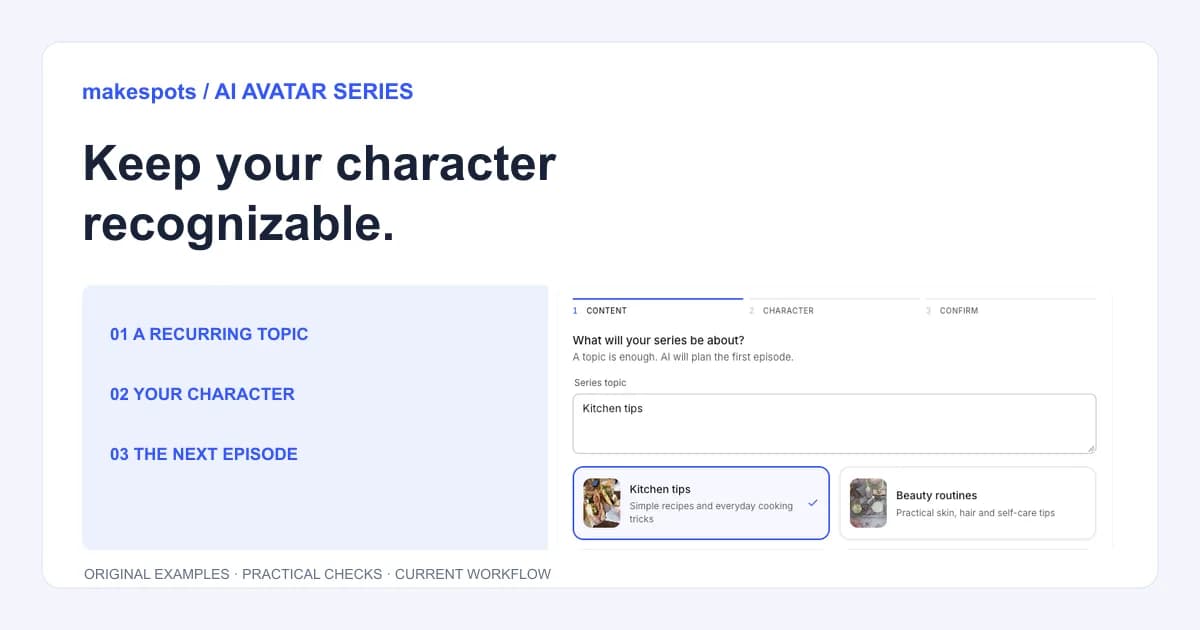
Choose one clear character reference, define the details that stay fixed and limit each episode's changes. Reuse the same voice direction and check adjacent clips with sound. Correct the smallest mismatch first. Judge consistency in the finished video, not only in the starting portrait.
1. Decide which details make the character recognizable
Consistency means the audience can recognize the presenter as the same character across shots and episodes. Face shape, age, hair, clothing and delivery all contribute. They do not need to remain frozen. A host can look toward a prop or finish a sentence with a different expression while still feeling like the same person.
Pick a small set of identifying details before generating more material. For a fictional craft host, that might be short gray curls, round dark glasses, a plain green cardigan and an unhurried speaking style. These give you concrete things to inspect. A description such as 'premium, beautiful and cinematic' does not tell you what should stay the same.
2. Use a reference that is easy to read
Start with a portrait that clearly shows the character you want to return. Look for a visible face, an unobstructed mouth and a framing that suits the planned performance. Large accessories, strong face shadows and a hand covering the jaw remove information you will later need to compare.
Use an image you own or have permission to use. For an invented presenter, make the character description specific enough to guide the portrait without loading it with conflicting beauty, camera and wardrobe instructions. Review the portrait before treating it as the reference for the series. If the portrait itself is wrong, every later comparison starts from the wrong target.
Keep the chosen reference available while reviewing the first finished episode. Compare recognizable features, not whether two frames have exactly the same pixels. Turning a head changes the visible shape of a face; replacing the person's apparent age or hairstyle changes their identity.
Avery is a fictional adult craft host with short gray curls, round dark glasses and a plain forest-green cardigan over a cream shirt. They speak calmly and explain one visible step at a time. Their face and mouth remain easy to see. Use ordinary room light and a relaxed, attentive expression. Keep the same hairstyle and clothing for this series. No jewelry, shirt lettering or constant smiling.
3. Separate fixed details from episode changes
A continuity card is a short note you keep beside the series, describing what stays and what may vary. Put lasting appearance details in the character settings. Put the recurring location and visual direction in the series settings. Reserve the individual episode direction for the object or action that changes today.
This distinction prevents an instruction for one clip from becoming a new identity rule. If today's episode uses blue paper, the host does not need a blue shirt or a blue room. If the camera moves closer to show a fold, the host does not need a new portrait. Keep the card brief enough that you will actually use it during review.
Keep: Avery's short gray curls, round dark glasses, green cardigan and cream shirt. Scene: the same small wooden craft table, warm off-white wall and soft window light. Voice direction: calm conversational English, clear pronunciation, no announcer-style restart. May change: the paper color and the single craft step demonstrated. Avoid: covering the mouth, changing clothing, adding decorative text or repeating a gesture after every sentence. Review every finished clip against this card.
4. Give each shot one clear action
Simple staging gives continuity fewer moving parts to manage. A presenter speaking beside a sheet of paper is easier to inspect than a presenter walking across a room while folding, opening a box and holding up a finished object. Let the spoken point determine the action. Natural stillness is a useful choice when nothing needs demonstrating.
Keep the important object in view and finish one movement before beginning another. If an action repeatedly fails, simplify it before rewriting the entire character description. You can also separate the explanation from the demonstration, as long as the resulting sequence still makes sense to the viewer.
| Change | Usually keep | Review carefully |
|---|---|---|
| A new episode topic | Character, wardrobe and room | New speech and the relevant prop |
| A closer camera view | Identity and lighting direction | Face, hands and object proportions |
| A different object | Character and recurring format | How the object is held and used |
| A new location | Chosen character reference | Lighting, framing, clothing and voice together |
5. Check voice continuity across the cut
Voice direction describes the intended delivery. It is not a locked speaker identity in the current workflow. Matching a written description can still produce differences in pitch, accent, pace or vocal texture. Listen to consecutive clips together; two clips can each sound fine on their own and still sound like different people when joined.
Use one stable direction rather than inventing a new emotional performance for every segment. Read the script as connected speech. Avoid having each shot introduce the host again or restart with the same greeting. For the craft host, a quiet explanation may need only one small emphasis when the useful fold appears.
If a join sounds wrong, compare the adjacent lines and their delivery before changing the full series. Regenerate the affected material when needed and review its quote. Do not describe the voice as identical across every output unless your own completed episodes support that claim.
6. Diagnose drift before changing the prompt
Write down what changed in the actual output. 'The face is wrong' is less useful than 'the second clip makes the host look younger and removes the glasses.' A concrete observation tells you whether to revisit the starting reference, the scene, the action or one generated clip.
Change one relevant instruction at a time. Keep a version you like so that a new generation has a clear comparison. Adding several negative instructions can make the brief longer without making the target clearer. If the failure is a repeated hand movement, asking for a more detailed face will not address it.
- Face drift: compare age, hairline, facial proportions and identifying features with the reference.
- Wardrobe drift: check color, sleeve length, accessories and unwanted text.
- Scene drift: compare the background, light direction and position of important props.
- Performance drift: listen across cuts and watch for repeated nods, gestures or abrupt resets.
7. Test continuity with a different second episode
A second episode is a useful check because it asks the character to deliver a new thought. Repeating Episode 1 with a different title only tests repetition. For Avery, move from a clean fold to a simple paper label while retaining the host, room and delivery direction.
Watch both episodes in the order a viewer might encounter them. Does the same host seem to return? Are the clothes and scene recognizably related? Does the voice continue the same style? Keep notes about what worked, then make deliberate changes when the series needs them. The goal is a repeatable process you can review, not a growing collection of vague prompt adjectives.
8. Check the final export as well as the portrait
Review the assembled video at its intended viewing size. Captions can cover a mouth that was visible in the portrait. A cut can reveal a voice change you missed while checking separate clips. Open the exported file, listen through each join and confirm that the whole episode communicates the approved idea.
If you publish a realistic fictional host, make the channel's presentation honest and follow the destination's disclosure requirements. A consistent character can help viewers recognize a format; it does not turn fictional experience or an unsupported claim into a real testimonial.
Common questions
Does saving a character guarantee the exact same face?
No. The saved character and selected reference guide future production, but generated media can still drift. Compare the face, hair, age, wardrobe and performance in each completed clip. Correct a weak starting reference before making more episodes from it.
Can the character wear different clothes?
You can change the creative direction, but changing clothes adds another variable to review. Establish a useful baseline first. When a new outfit is intentional, check the new reference and finished clips together so an expected wardrobe change does not hide an unintended identity change.
Why does the voice sound different between clips?
The current workflow uses a shared voice direction rather than a locked voice ID. Generated clips may vary in pitch, accent, pace or texture. Listen across the joins, keep the delivery instruction stable and review or regenerate a mismatched clip when needed.
Should I add more detail every time a result drifts?
Add the detail that addresses the observed mismatch. A long list of camera, beauty and emotion instructions can conflict with the character you want. First check the reference and selected scene, then change one relevant part so you can judge its effect.
Can I create a character from someone else's portrait?
Use only a portrait you own or have permission to use, with the person's consent when their likeness is involved. Keep a fictional presenter's role clear. Do not present generated speech as a real person's endorsement or imply an event happened when it did not.
Sources and further reading
Product steps reflect the current Avatar Series workflow. The planning examples are original examples to adapt. Review the current workspace settings and quote before generating.
- How character reuse works in AI Avatar Series
- Generation quotes and credits
- YouTube: realistic generated-content disclosure
Read the current credit and plan details before budgeting a series.